Addressable RGB LED Strip Brief: Protocol, Power Injection and Control
Turn the required effect into one exact addressable-strip configuration by locking the protocol, voltage, data direction, load, power-feed plan, controller and sample test instead of treating all digital RGB products as interchangeable.
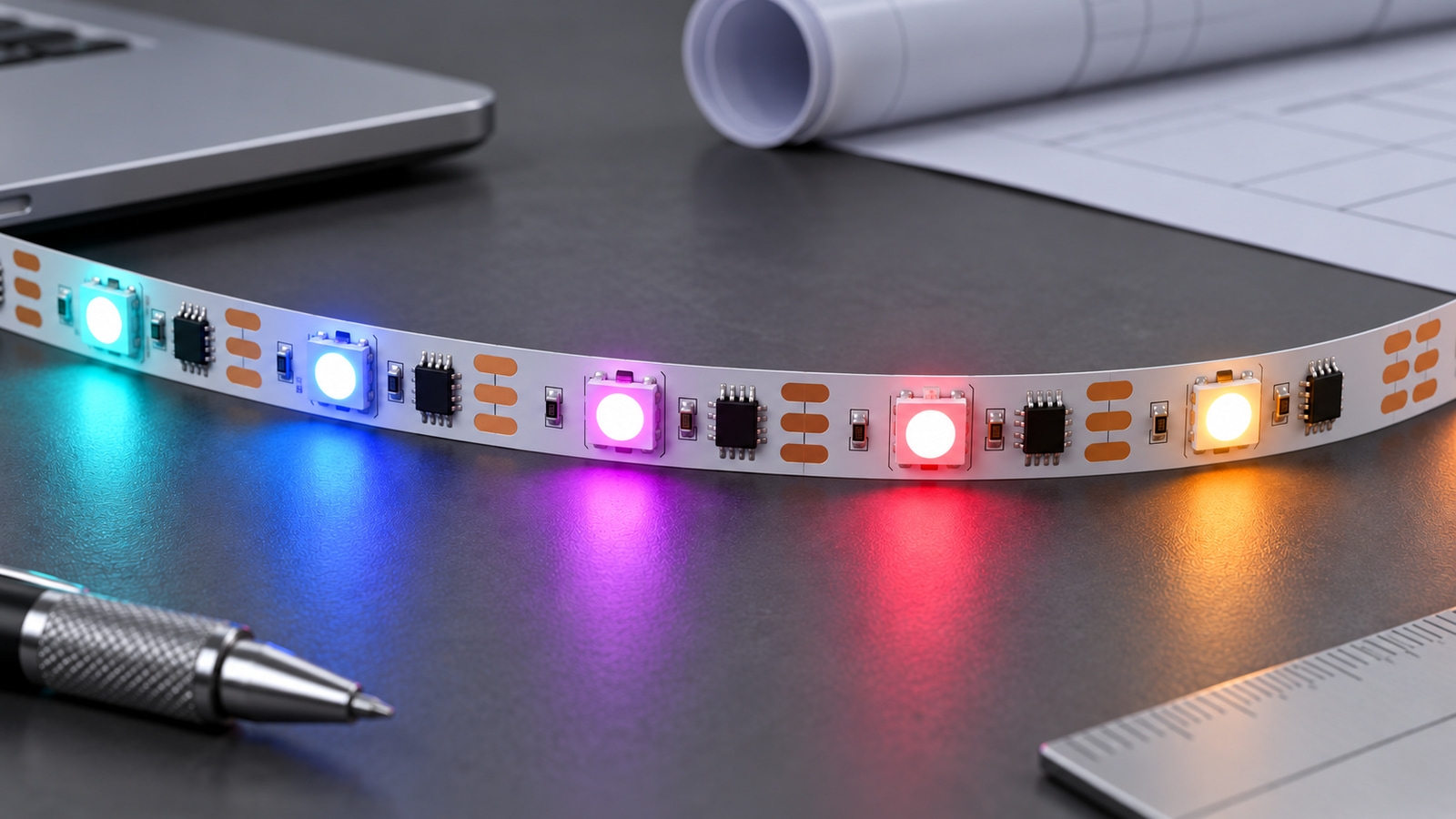
Start with the effect and number of independently controlled zones, then identify the exact strip SKU and protocol before choosing a controller. Use the documented voltage and load to plan feeds, and test data direction, addressing and failure behavior on the real sample; “addressable,” USB power or a matching voltage alone does not prove compatibility.
This addressable RGB LED strip planning method is for digital effects in which pixels or groups can change independently. If the project has not yet chosen between ordinary RGB, RGBW and tunable white, begin with our RGB, RGBW and tunable-white comparison. A conventional RGB strip controlled as whole color channels is a different purchasing task from a digital LED strip with data and addressing requirements.
Define the effect, zones and control scope
Translate the visual idea into control inputs before comparing strips.
| Planning field | What to define |
|---|---|
| Required effect | Static zones, chase, gradient, animation or content-driven behavior |
| Addressing scope | Individual pixel, defined group or whole-zone behavior |
| Physical zones | Separate routes that need independent control |
| Synchronization | Which zones must start and change together |
| Content source | Preset controller, offline content, networked source or other defined system |
| Operator input | Wall control, remote, app, console or automated trigger |
| Response requirement | Project-stated timing or frame requirement, if applicable |
| Connectivity | Offline or networked operation and any site restrictions |
| Maintenance | How a failed section, controller or data path will be identified |
Do not invent a pixel capacity, frame rate, synchronization distance or app feature when controller documentation is not available. A useful brief says, for example, “three independently controlled display outlines must play the same stored sequence,” not simply “RGBIC effect required.”
Lock the exact protocol and data direction
“Addressable” describes a control capability; it does not identify the protocol. Lock the product and SKU, then record every data-path field supported by its documentation.
| Compatibility field | Required evidence |
|---|---|
| Product and SKU | Exact identifier, not only a family name |
| IC or protocol designation | Product record or model documentation |
| Data conductor count | Exact strip documentation |
| Signal direction | Marked input/output direction or model instructions |
| Backup/redundant signal | Only where the exact IC and strip state it |
| Color order | Sample or model documentation |
| Logic-level/interface requirement | Controller and strip documentation |
| Controller firmware support | Exact controller model and version |
| Connector and pin order | Exact strip and harness, not visual similarity |
ULT-A6C5867D shows why these fields cannot be merged. V0002 is listed as a 10 mm, 12V, WS2811, 30 LEDs/m uncoated strip. V0007 is 10 mm, 5V, WS2812, 30 LEDs/m and uncoated. V0012 is 10 mm, 12V, 16703, 60 LEDs/m and uncoated. V0019 is 10 mm, 12V, WS2815, 60 LEDs/m and uncoated. WS2811, WS2812, 16703 and WS2815 are not interchangeable labels.
Worldsemi maintains separate family documentation for WS2811, WS2812 and WS2815. Those sources help define chip-family distinctions, but they do not replace the ULANTU product record, controller documentation or a real compatibility test for the chosen SKU.
The ULT-A090B254 family includes addressable RGB configurations at 5V, 12V and 24V, with 18–144 LEDs/m, multiple PCB widths and IP20/IP65 options. Its family record does not establish one protocol for every SKU. That makes it a useful reminder: voltage, USB power, an integrated IC or the word “addressable” does not identify the control protocol.
Compare RGB and RGBW LED strips by exact configuration. Then shortlist controllers only after the protocol and interface are documented. Our controller-selection guide can help organize controller channels, interfaces and use cases.
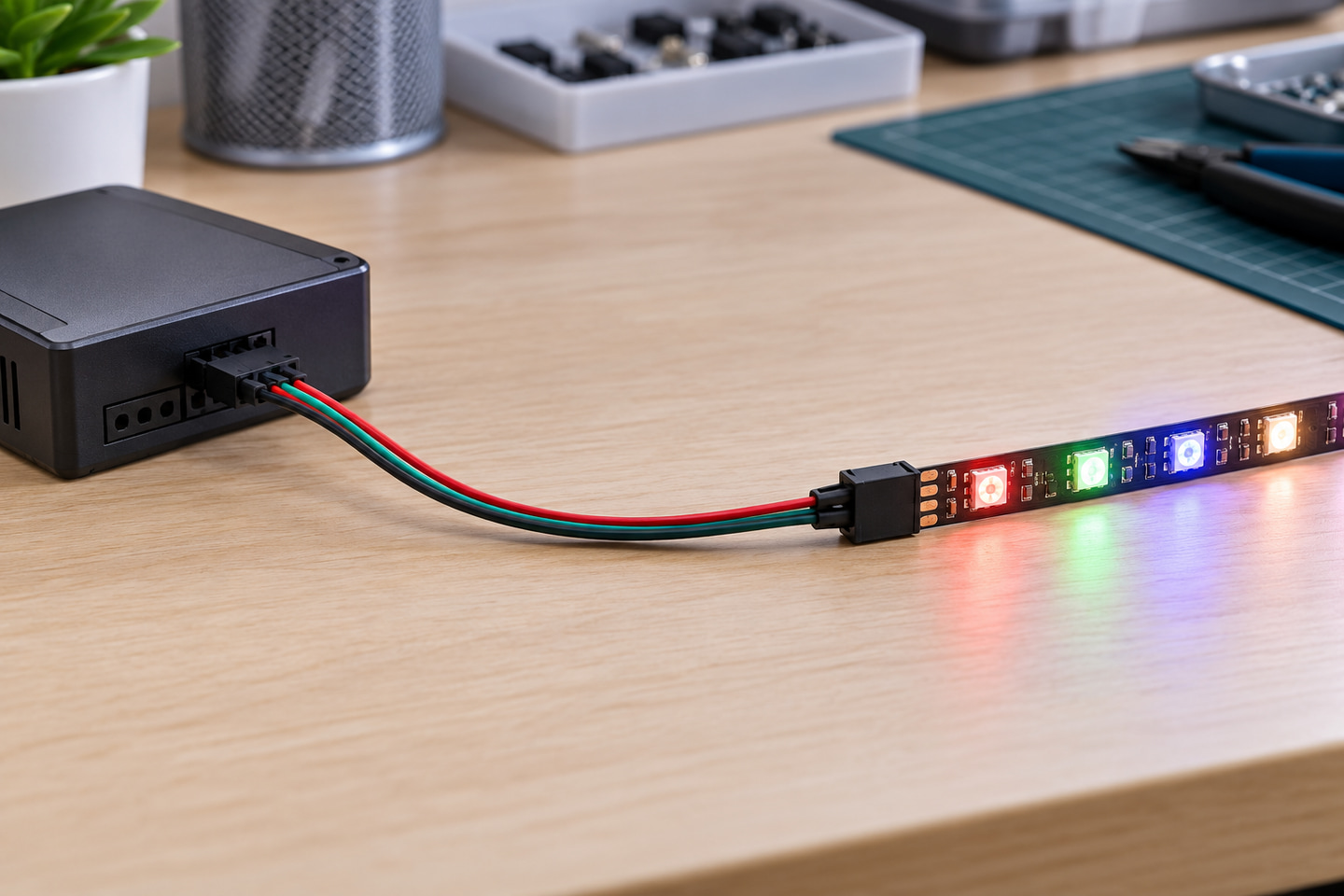
Calculate load from the selected voltage and exact strip data
Power planning requires the selected SKU's documented W/m or current-per-pixel value. LED density alone cannot supply that number.
For a strip with documented load per metre:
Branch load = documented load per metre × installed metres
Calculate each branch separately, using the intended simultaneous-lighting condition if the manufacturer specifies one. Then check the controller and power equipment against the project design.
| Branch input | Value to document |
|---|---|
| Exact strip SKU | |
| Protocol and voltage | |
| Documented W/m or current basis | |
| Installed length | |
| Calculated branch load | |
| Expected simultaneous effect condition | |
| Controller output limit | |
| Power-supply model and output | |
| Connector and cable route |
The current ULT-A6C5867D public record provides voltage, protocol, width and LED-density fields for the examples above, but it does not provide W/m. Therefore, do not estimate their power from LED density. Request the model-specific electrical data before selecting the supply or setting feed locations.
Plan power injection and wiring as a system decision
Power injection is not a fixed-distance rule. It depends on actual load, supply voltage, conductor resistance, branch length, connectors, allowable voltage drop and the required brightness and color consistency. Apply the method in our power-injection and voltage-drop guide rather than copying a universal spacing value.
| Branch | Length | Load basis | Supply/feed location | Additional feed under review | Data path | Cable route | Protection and service point |
|---|---|---|---|---|---|---|---|
| 1 | |||||||
| 2 | |||||||
| 3 |
The electrical design should also address the reference or isolation requirements stated by the controller and power-equipment manufacturers. Mark every supply, protective device, connector and service point. Do not select a conductor size, feed interval or maximum run until the actual current, route and permitted voltage drop are known.
Keep the data direction visible in route drawings. If a run reverses physically, confirm how its input and output ends will be presented at the installation point. A mechanically convenient connection is not necessarily a valid data connection.
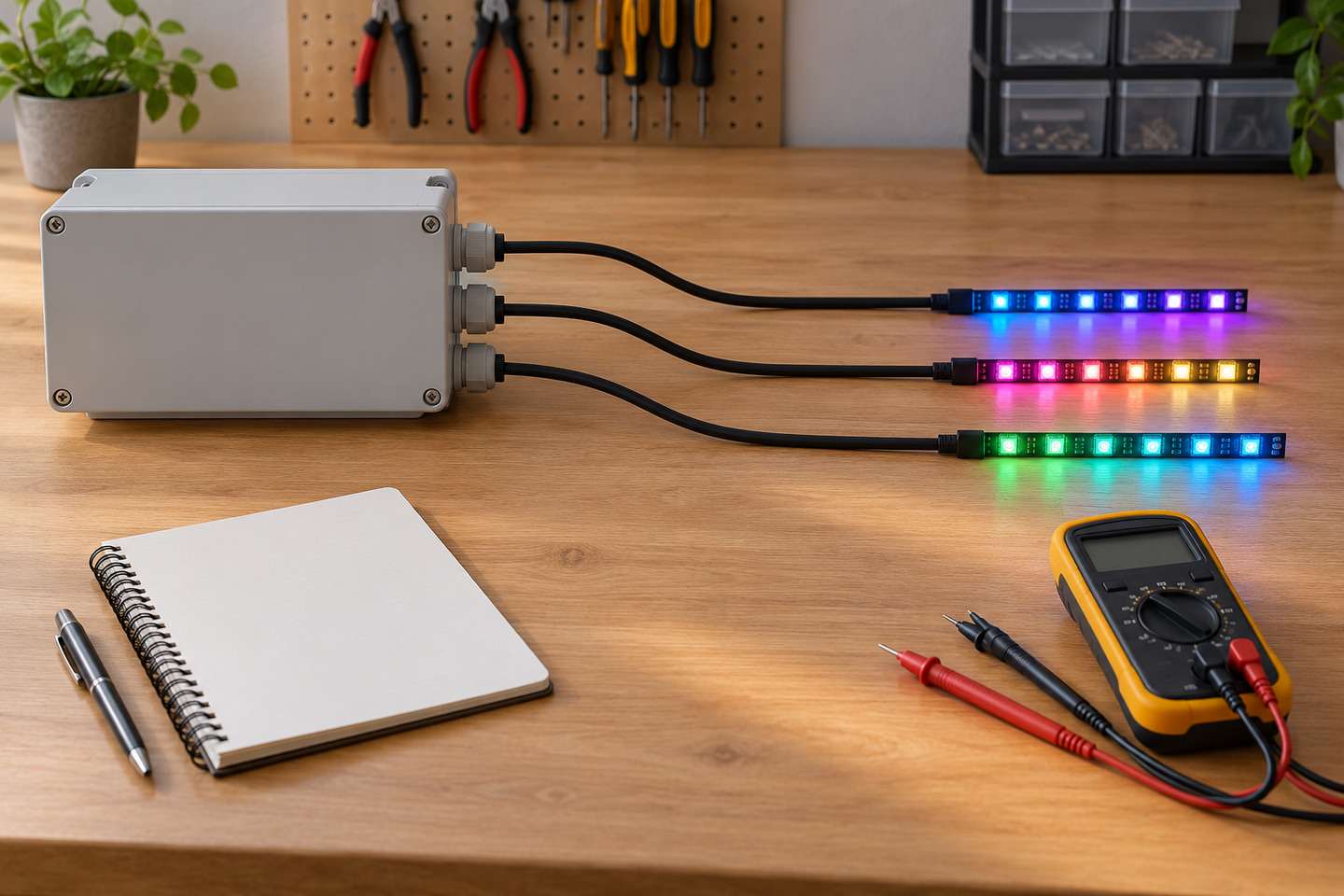
Verify controller behavior on the real sample
A sample test closes the gap between labels and system behavior. It should be repeatable and recorded against exact models and firmware.
- Verify the strip label, SKU, voltage, protocol marking and signal direction.
- Connect one short sample segment using the documented controller and supply arrangement.
- Confirm protocol recognition and color order.
- Verify the intended individual or grouped addressing behavior.
- Increase the test length in planned stages rather than jumping directly to the full route.
- Check voltage and behavior at the first and last relevant points under the defined effect condition.
- Test the required restart, interruption and defined failure scenarios.
- Record controller model, firmware, settings version, strip SKU and sample length.
This is a verification plan, not a claim that any controller and strip combination has already passed. Do not disclose passwords or private network credentials in the handover record.
Send the addressable-system purchasing brief
Copy the following fields into the RFQ or project brief:
| Purchasing field | Buyer input |
|---|---|
| Required effect and operating context | |
| Number of zones and synchronization needs | |
| Product and exact SKU | |
| IC/protocol designation | |
| Data direction and conductor/interface details | |
| LED or pixel density | |
| Supply voltage | |
| Documented W/m or current basis | |
| Length of each branch | |
| Controller model, firmware or required interface | |
| Supply and proposed feed points | |
| Connectors and cable route | |
| Indoor/outdoor environment and protection needs | |
| Sample test cases | |
| Quantity and destination | |
| Required technical documents |
Send the effect, zones, exact strip SKU, protocol, data direction, branch lengths, voltage, documented load, controller, feed plan, environment, sample cases, quantity, destination and document request through Submit an Addressable-System Brief.
Bring the comparison into a project brief.
Share the documented requirements and unresolved questions. An inquiry begins review; it does not confirm engineering approval, compatibility, stock, price, lead time, compliance or an order.
Prepare a project brief