RGB vs RGBW vs Tunable White: A Project-Brief Comparison
Define white-light tasks, color scenes, channels and controls before shortlisting a multi-channel LED strip system.
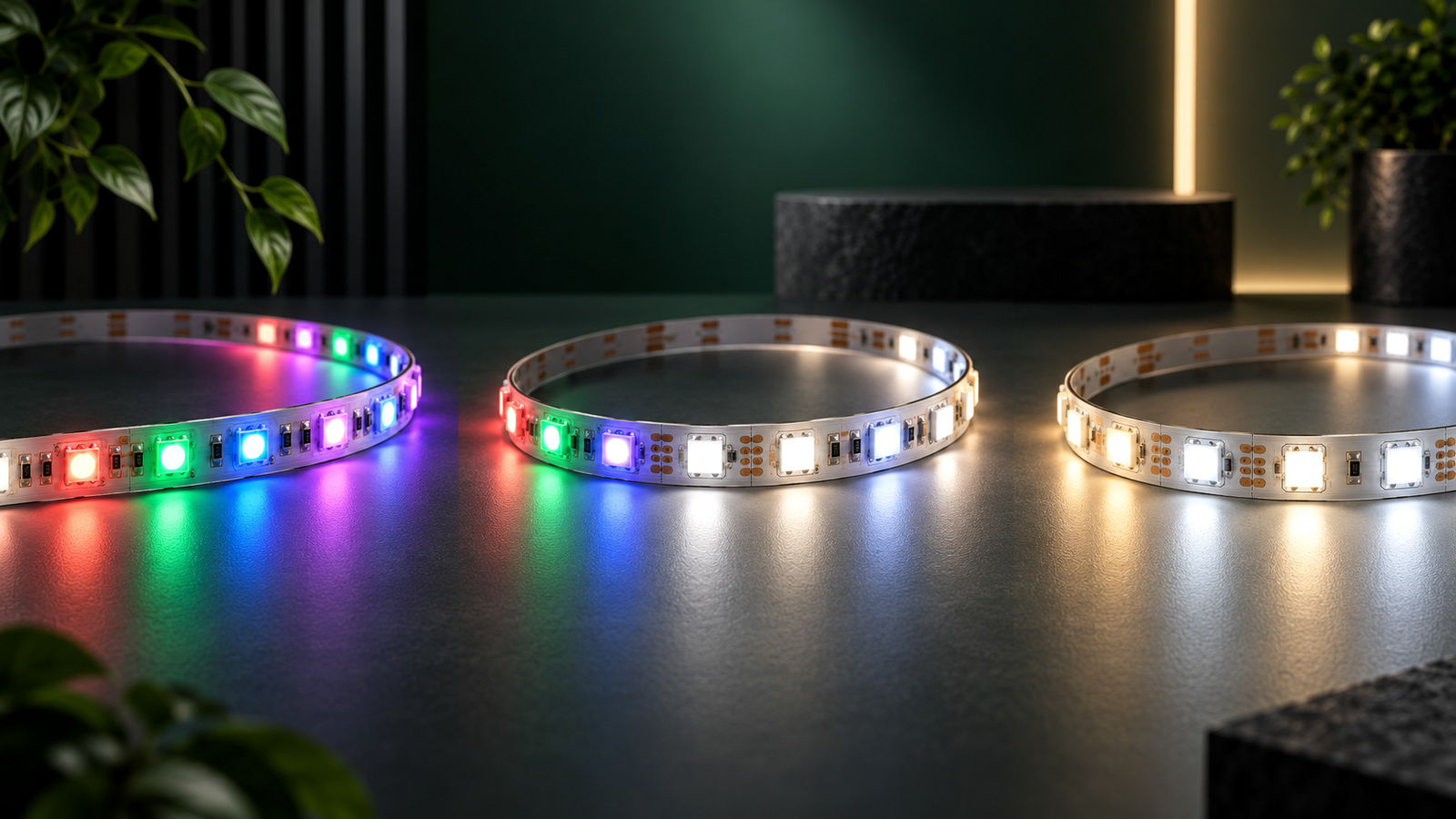
RGB, RGBW and tunable-white LED strip systems solve different lighting tasks. RGB mixes red, green and blue channels for colored effects; RGBW adds a dedicated white channel; tunable white varies white-light appearance between supported endpoints using multiple white channels. None is automatically the best choice. Start by defining the required white-light quality, color effects, scenes, controls and service plan, then compare exact strip, controller and driver combinations.
Define the lighting task before choosing channels
Write the required outcomes in plain language. A hospitality project may need warm ambient white for normal operation and colored scenes for events. A retail display may need stable white light for merchandise plus occasional brand color. An architectural feature may need only dynamic color. These are different briefs even if the same word “color-changing” appears in each.
Separate requirements into three groups:
- everyday white-light tasks, including required appearance and color evaluation;
- colored effects, including named colors, transitions and scene behavior;
- operation, including controls, schedules, interfaces, commissioning and maintenance.
The U.S. Department of Energy notes that white LED light can be produced through phosphor conversion, color mixing or a hybrid approach, and that light quality involves more than one label.1 Translate “good white” into project criteria rather than assuming that any white-looking scene is equivalent.
Compare RGB, RGBW and tunable-white system roles
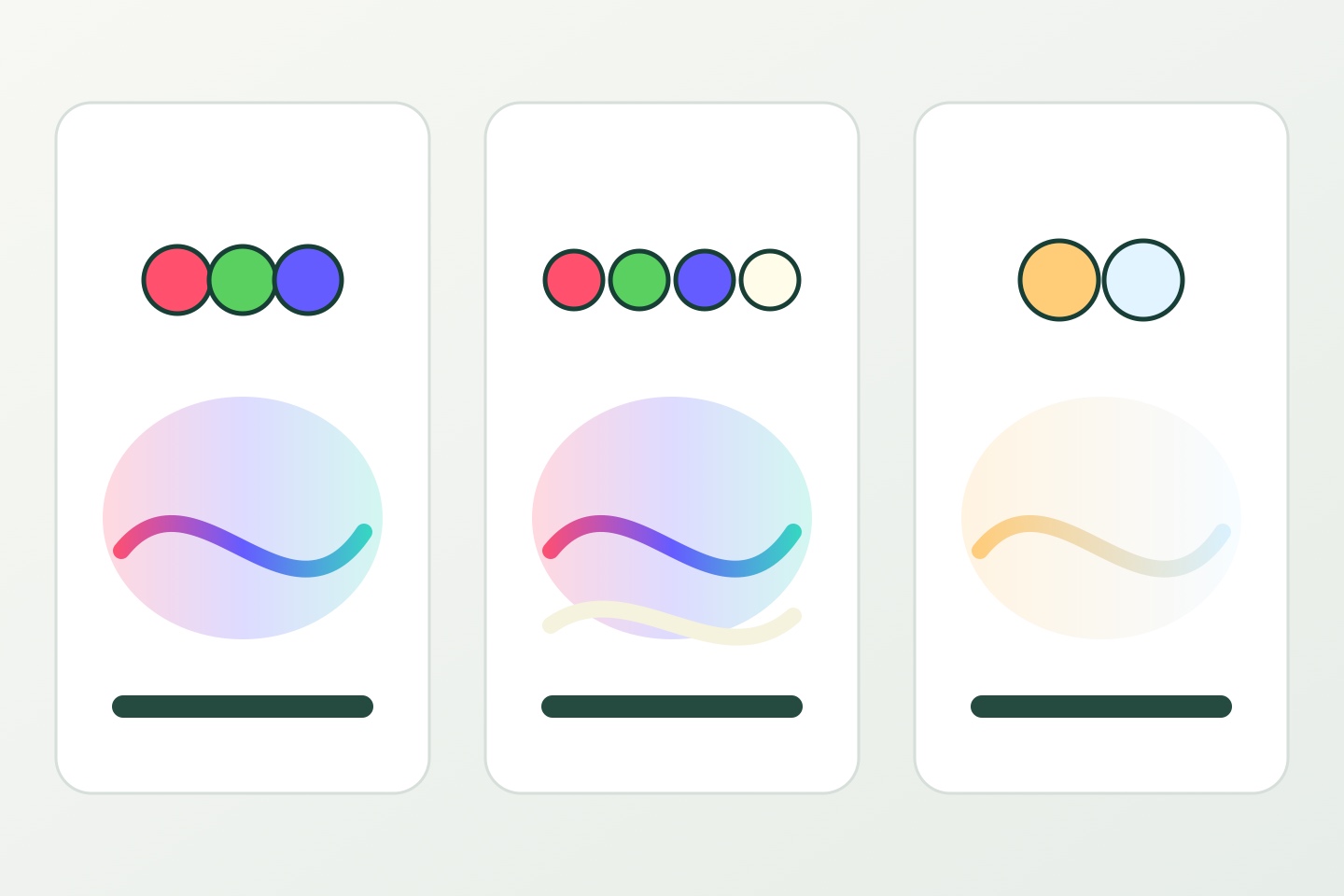
The table below is a planning framework, not a promise about every product.
| System family | Primary planning role | Questions to resolve |
|---|---|---|
| RGB | Colored effects created by mixing red, green and blue channels | Is a mixed RGB white acceptable for any required task? Which colors and transitions are needed? |
| RGBW | Colored effects plus a dedicated white channel | What white-light criteria apply? How is the white channel controlled with RGB scenes? |
| Tunable white | Adjustable white-light appearance between supported endpoints | What CCT range, transition behavior and scene schedule are required? |
| Multi-channel variants | Additional white or color channels for a defined system | Which exact channel architecture, controller and commissioning method are supported? |
Do not infer channel count, voltage, power, color quality or control protocol from a family name. Verify the exact strip and component documentation.
Use the RGB and RGBW family page and tunable-white family page to identify published categories. Their presence does not confirm a particular configuration or availability.
Separate color effects from white-light requirements
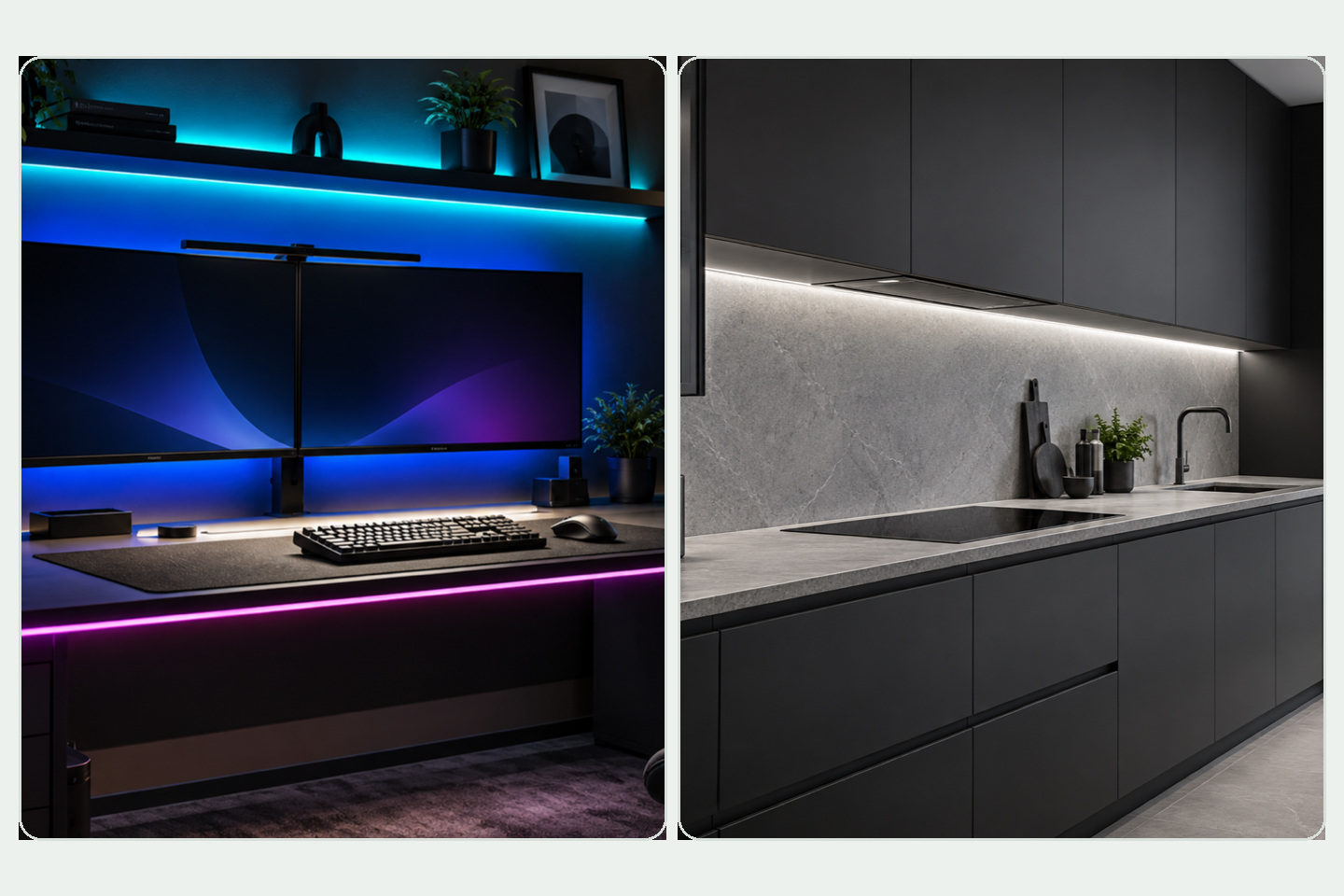
Ask whether white light is decorative, task-oriented or both. If it supports dining, retail evaluation, work surfaces or guest-room use, record the expected CCT, color-rendering method, dimming range, glare and diffuser conditions. If it is only a brief transition between color scenes, the acceptance method may differ.
For colored effects, list the actual scenes. “Full color” is too broad to guide controller selection. Record:
- required static colors;
- fades, chases or other transitions;
- how quickly scenes change;
- whether zones act together or independently;
- whether an operator, schedule, wall control or building system selects scenes;
- what should happen after a power interruption;
- any camera or broadcast requirements.
Reviewers should see both the normal operating state and special-event states. A dramatic color scene should not hide an unresolved everyday-white requirement.
Map channels to controllers and drivers
Every independently controlled channel needs a compatible control path. Confirm the strip's common-anode or other connection arrangement, conductor count, voltage, power per channel, controller output and protocol. Then verify the driver and controller loading rules for the selected equipment.
The DALI Alliance identifies several DALI color-control types under IEC 62386 Part 209, including Tc for tunable white and RGBWAF for RGB color control.2 This illustrates why “DALI,” “RGBW” or “tunable white” alone is not a complete compatibility statement. The exact certified product, device type, channels and commissioning method still need review.
Use the controller category to organize candidate equipment, then compare written ratings and supported interfaces.
| Control input | Record before selection |
|---|---|
| Strip architecture | Exact model, voltage, channel functions and wiring diagram |
| Controller | Output type, channels, limits, protocol and terminals |
| Driver | Input, output, capacity, dimming relationship and environment |
| Zones | Which runs must respond independently |
| User interface | Wall control, app, building system, schedule or other interface |
| Scenes | Named states, transitions and default behavior |
| Commissioning | Addressing, calibration, programming, access and file ownership |
| Service | Isolation, replacement, spare identification and revision control |
Write a scene brief that can be tested
A scene name should include observable behavior. Instead of “evening mode,” state which zones operate, whether white or color channels are active, the intended appearance, the transition and the control that recalls it. Avoid publishing unverified output values or universal dimming claims.
Use a scene matrix during review:
| Scene | White-light task | Color effect | Zones | Trigger | Acceptance method |
|---|---|---|---|---|---|
| Normal operation | Describe required white appearance | None or limited | List active zones | Schedule or control | Visual review plus approved measurements |
| Event | State whether task white remains active | Name required colors/effects | List active zones | Operator command | Controlled scene review |
| Cleaning/service | State functional light need | None | Required work zones | Manual control | Access and visibility check |
| After power return | Define intended default | Define permitted behavior | All relevant zones | Power restoration | Commissioning test |
The actual values belong in the project record after products and criteria are approved. The public framework intentionally avoids pretending that one scene matrix fits every venue.
Check optical and installation conditions
Color and white-light appearance change with diffuser material, surface color, viewing geometry, ambient light and camera settings. Review samples in the intended profile or a representative mockup. Keep drive conditions, distance, ambient light and camera exposure consistent when comparing options.
Also record strip width, cut interval, bend limits, connector access, profile fit, cable capacity and thermal path. More channels can mean more conductors and connection complexity, but exact requirements depend on the selected system.
Project-brief checklist
- Everyday white-light tasks are separated from color effects.
- Required scenes and zones are named.
- Exact strip channel architecture and voltage are documented.
- White-light criteria and comparison method are defined.
- Controller outputs, protocol and channel limits are verified.
- Driver capacity and environmental rules are checked.
- Wiring, conductor count, connectors and service access are shown.
- Default state and power-return behavior are specified.
- User interface and commissioning ownership are assigned.
- Samples are reviewed under representative optical conditions.
- Approved scene files and product revisions can be retained.
- Open compatibility and availability questions are listed separately.
Prepare the control brief
Send the application, white-light requirements, named scenes, zone plan, drawings, candidate strip and controller documents, interface expectations, operating schedule and service plan together. This helps a reviewer compare systems without assuming that shared color terminology means shared wiring or control.
Prepare a control brief when the requirements are ready. The inquiry begins a product and system review; it does not confirm compatibility, performance, stock, price, lead time, commissioning or an order.
Sources
[1] U.S. Department of Energy, “LED Basics”. General white-light production and light-quality context; not evidence for a specific strip. Accessed 2026-10-04.
[2] Digital Illumination Interface Alliance, “DALI Colour Control”. DALI color types and Part 209 context; exact product certification and compatibility must be checked separately. Accessed 2026-10-04.
Bring the comparison into a project brief.
Share the documented requirements and unresolved questions. An inquiry begins review; it does not confirm engineering approval, compatibility, stock, price, lead time, compliance or an order.
Prepare a project brief