Private-Label LED Strip Packaging: Artwork, Labels and Approval Records
Separate brand content from mandatory regulatory data, prepare print-ready artwork, map exact label positions, and approve a tracked proof version before bulk printing.
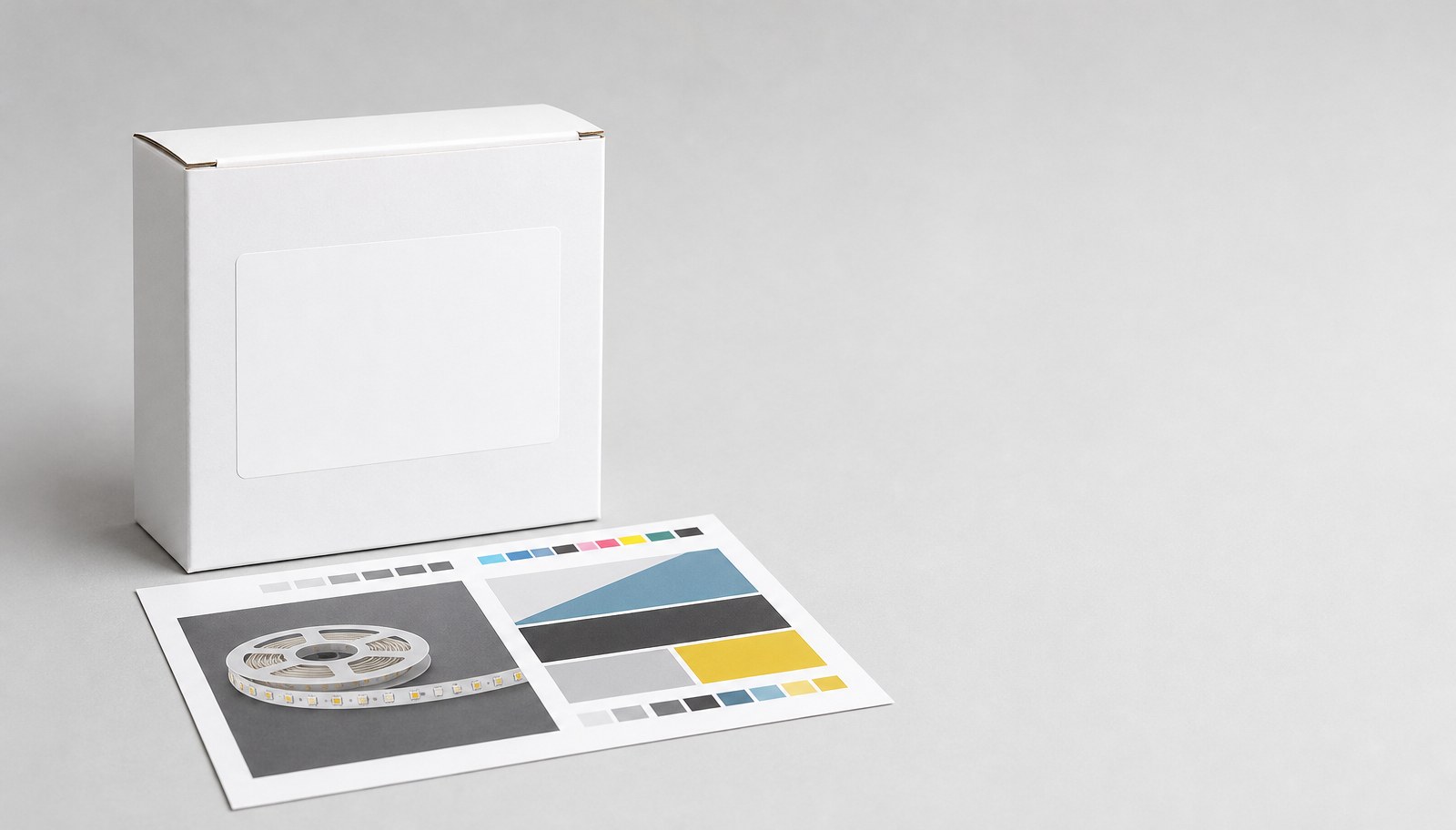
Private-label LED strip packaging execution separates into five controlled steps: separate brand content from mandatory regulatory and identification data, prepare artwork files to the supplier's required format, map exactly where each label element sits on the product, review a proof against a tracked version number, and approve a production record before bulk printing begins.
This guide is for brand owners, private-label buyers and distributors finalizing packaging artwork for an OEM order. For the complete OEM specification brief covering the product itself, see the OEM LED strip specification brief; this article focuses only on packaging execution. Review ULANTU's OEM and ODM service context and packaging and logistics information before preparing artwork.
Separate brand content from mandatory data
Identify which elements on the packaging are brand-controlled and which are mandatory product identification or regulatory data that must appear regardless of brand design.
| Content type | Examples | Who controls it |
|---|---|---|
| Brand content | Logo, brand name, marketing copy, color scheme, brand-specific imagery | Buyer, within the printable area agreed with the supplier |
| Mandatory product data | Model/SKU identifier, electrical ratings, country of origin, applicable compliance marks for the destination market | Determined by the product itself and the destination market's requirements, not brand design preference |
| Variable data | Batch code, production date, barcode | Generated at production time, placed in a position agreed in advance |
A packaging design that treats mandatory data as an afterthought risks a layout where brand graphics overlap required information, or where required information is omitted entirely. Confirm the complete mandatory-data list for the exact product and destination market before finalizing brand layout.
Prepare artwork files
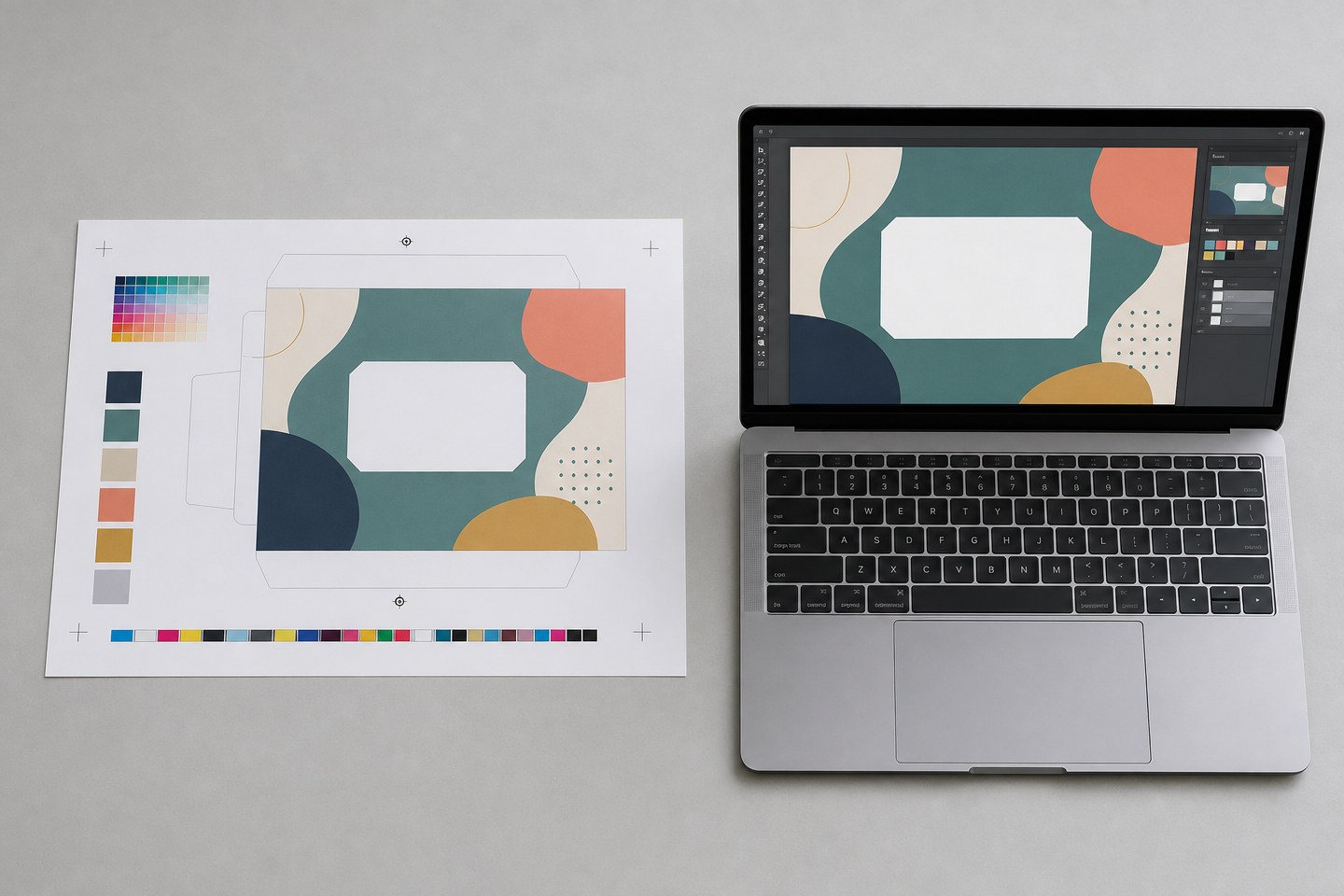
Provide artwork in the file format and specification the supplier's printing process actually requires, not a generic marketing-ready file.
- Confirm required file format, color mode (CMYK for print, not RGB), resolution and bleed/safe-area requirements with the supplier before starting final artwork.
- Supply vector source files for logos and text where possible, to avoid resolution loss at the printed size.
- Clearly separate layers or files for variable data (barcode, batch code) from fixed brand and mandatory content.
- Confirm font licensing or convert text to outlines if the supplier's printing process requires it.
Artwork prepared without first confirming the supplier's file specification is a common cause of a delayed first proof or an inaccurate print result.
Map label positions
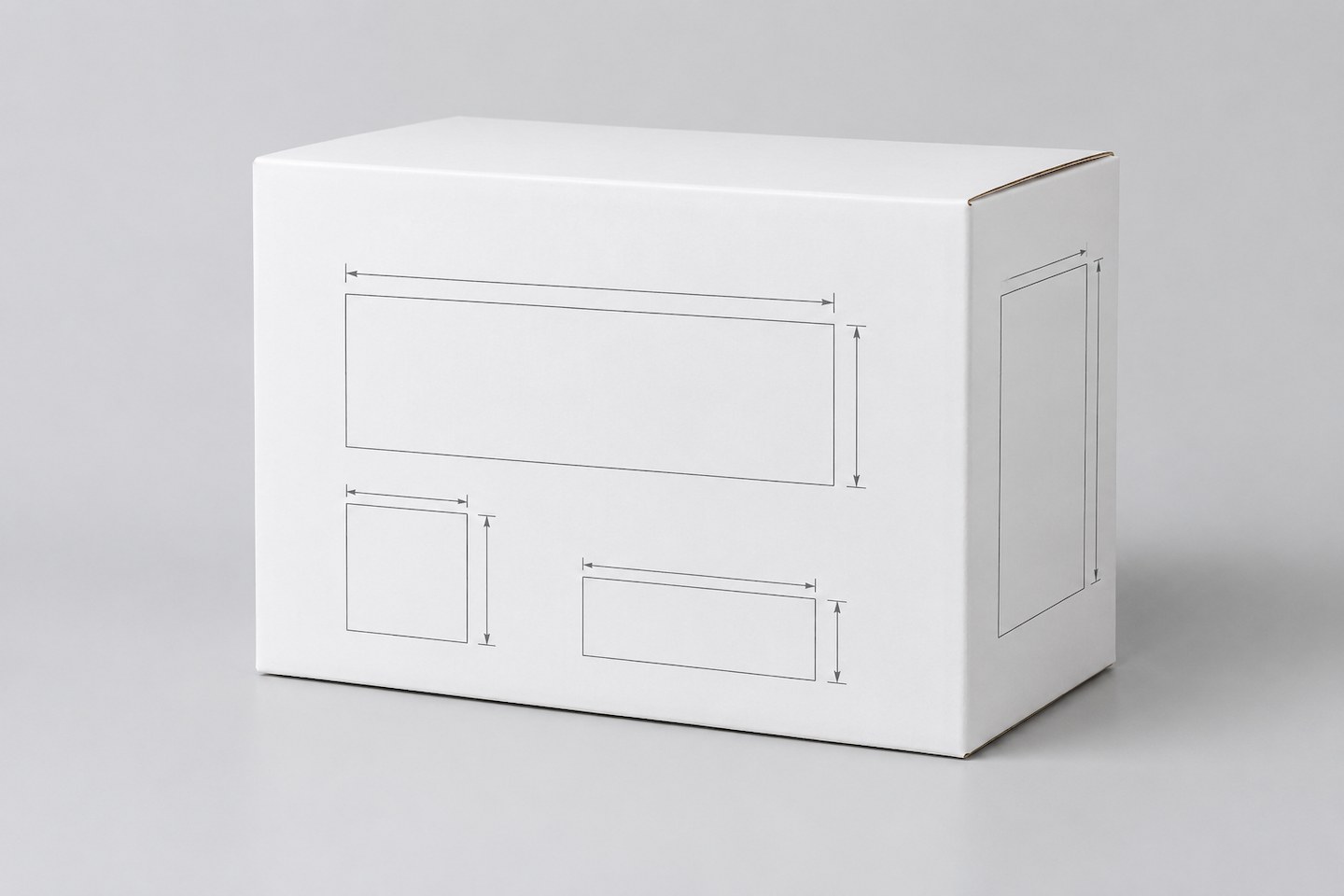
Provide a dimensioned map showing exactly where each label or printed element sits on the final packaging, not a flat artwork file alone.
- Mark the exact position, size and orientation of each label on the carton, bag, or reel packaging.
- Mark the position of variable data elements (barcode, batch code) separately, since these are often applied after the fixed artwork is printed.
- Confirm label position against the actual packaging dimensions and any existing structural features (handles, seams, closure points) that could obstruct visibility.
- If packaging differs by SKU or configuration, provide a separate position map for each distinct packaging type.
A label position confirmed only in the artwork file, without reference to the actual packaging structure, risks a label landing over a seam, fold or closure point in production.
Review proof and version
Request a physical or high-resolution digital proof before bulk printing, and track every revision under a clear version number.
- Proof request: Ask for a proof in the actual packaging material and print method where feasible, not only a digital mockup.
- Review against the artwork brief: Check brand content placement, mandatory data accuracy and completeness, and variable-data position against the agreed map.
- Record revisions: Log each requested change with a version number increment, so it is clear which version is under review at any point.
- Final sign-off: Approve the specific version number, not a general "looks good" confirmation, before bulk printing is authorized.
Do not approve bulk printing from a digital mockup alone if the actual printed material, color reproduction, or finish could differ meaningfully from the mockup.
Approve the production record
Confirm the complete production-ready package before authorizing the print run.
- Final approved artwork version number, confirmed against the proof review record.
- Final confirmed label position map for each distinct packaging type.
- Mandatory data list confirmed complete and accurate for the destination market.
- Variable data generation method (barcode numbering sequence, batch code format) confirmed with the supplier.
Keep this approval record retrievable for future repeat orders, so a reorder can reference the exact approved version rather than restarting the artwork review from scratch.
Replace vague requests with evaluable requirements
| Vague request | Why it causes rework | More evaluable wording |
|---|---|---|
| "Use our logo on the box." | Brand and mandatory data are not separated | Provide a layout confirming brand content placement alongside the complete mandatory-data list |
| "Standard file format." | Print-ready specification is undefined | Confirm required format, color mode, resolution and bleed with the supplier before starting artwork |
| "Looks right, go ahead." | No tracked version number for the approval | Approve a specific version number, confirmed against the proof review record |
| "Put the barcode somewhere sensible." | Variable-data position undefined | Mark the exact barcode and batch-code position on the label map |
Plan for repeat-order consistency
A first-run private-label packaging approval is only half the task. Plan for how the same artwork stays consistent across repeat orders, since a packaging reorder placed months later without the original approval record risks a visible mismatch with the first batch on a retail shelf.
- Store the final approved artwork files and the label position map under the version number approved at sign-off, in a location both buyer and supplier can reference for future orders.
- When placing a repeat order, reference the approved version number explicitly rather than describing the packaging verbally — "the same as last time" is not a specification.
- If any element must change for a repeat order (a new barcode range, an updated mandatory-data requirement for the destination market), treat it as a new version under the same proof-and-approval process described above, not as a minor adjustment to the production file.
- Periodically confirm that mandatory regulatory data on the approved artwork is still current for the destination market, since requirements can change between a first order and a much later repeat order.
Treating repeat-order packaging as a reference to a stored, versioned approval — rather than a fresh verbal description each time — is what keeps private-label packaging consistent across production runs placed months or years apart.
When the mandatory-data list, prepared artwork, label position map, a reviewed proof and a storage plan for future reorders are ready, Submit Custom Requirement. Include the artwork files, label position map, mandatory data confirmed for the destination market, and the approved version number. The inquiry begins a feasibility and scope review for the stated packaging requirement; exact print specifications and commercial terms are confirmed in that review, not by this guide.
Compare matching products.

LED Strip Storage and Packaging Reels
Plastic reels for winding, storing and packing LED strips, offered in several diameters and strip-width combinations.
ULT-D6F2AB3F · 10 configurationsView options for pricingReference priceView product
5V USB RGB LED Strip Kits with 24-Key Bluetooth Control
5050 RGB strip kits for screen and room accents, combining a USB controller, 24-key remote and Bluetooth app control.
ULT-462B518C · 8 configurationsFrom USD 1.63 for this configurationReference priceView product
4-Inch and 5-Inch LED Strip Reels
Plastic carrier reels for storing and packaging LED strip, available in 4-inch and 5-inch sizes, 8 mm or 10 mm widths, and black or white.
ULT-34C2A3F8 · 8 configurationsFrom USD 0.08 / reelReference priceView product
5V, 12V and 24V 2835 Dual-White LED Strips
Dual-colour-temperature strips with 5mm and 8mm PCB options for mirror frames, illuminated displays and interior profiles.
ULT-783BF97B · 8 configurationsFrom USD 0.69 for this configurationReference priceView productQuestions about this guide.
Answers below restate the packaging-execution framework in this guide. Separate brand content from mandatory product data before finalizing artwork.
Can brand design take priority over mandatory product data on packaging?
No. A packaging design that treats mandatory data as an afterthought risks a layout where brand graphics overlap required information or where required information is omitted entirely. Confirm the mandatory-data list before finalizing brand layout.
Can marketing-ready artwork files be sent directly for private-label printing?
Not without confirmation. Confirm the required file format, color mode (CMYK for print, not RGB), resolution and bleed/safe-area requirements with the supplier before starting final artwork—a generic marketing file is not automatically print-ready.
Is a flat artwork file enough to specify label placement?
No. Provide a dimensioned map showing exactly where each label or printed element sits on the final packaging, not a flat artwork file alone.
How does this guide relate to the OEM specification brief?
This article focuses only on packaging execution. For the complete OEM specification brief covering the product itself, see the OEM LED strip specification brief.
Bring the comparison into a project brief.
Share the documented requirements and unresolved questions. An inquiry begins review; it does not confirm engineering approval, compatibility, stock, price, lead time, compliance or an order.
Prepare a project brief