LED Strip Connector Assortment Planning for Distributors
Build a connector portfolio from served segments and a coverage matrix, not a single-SKU match, then add pack units, item records and a documented substitution rule.
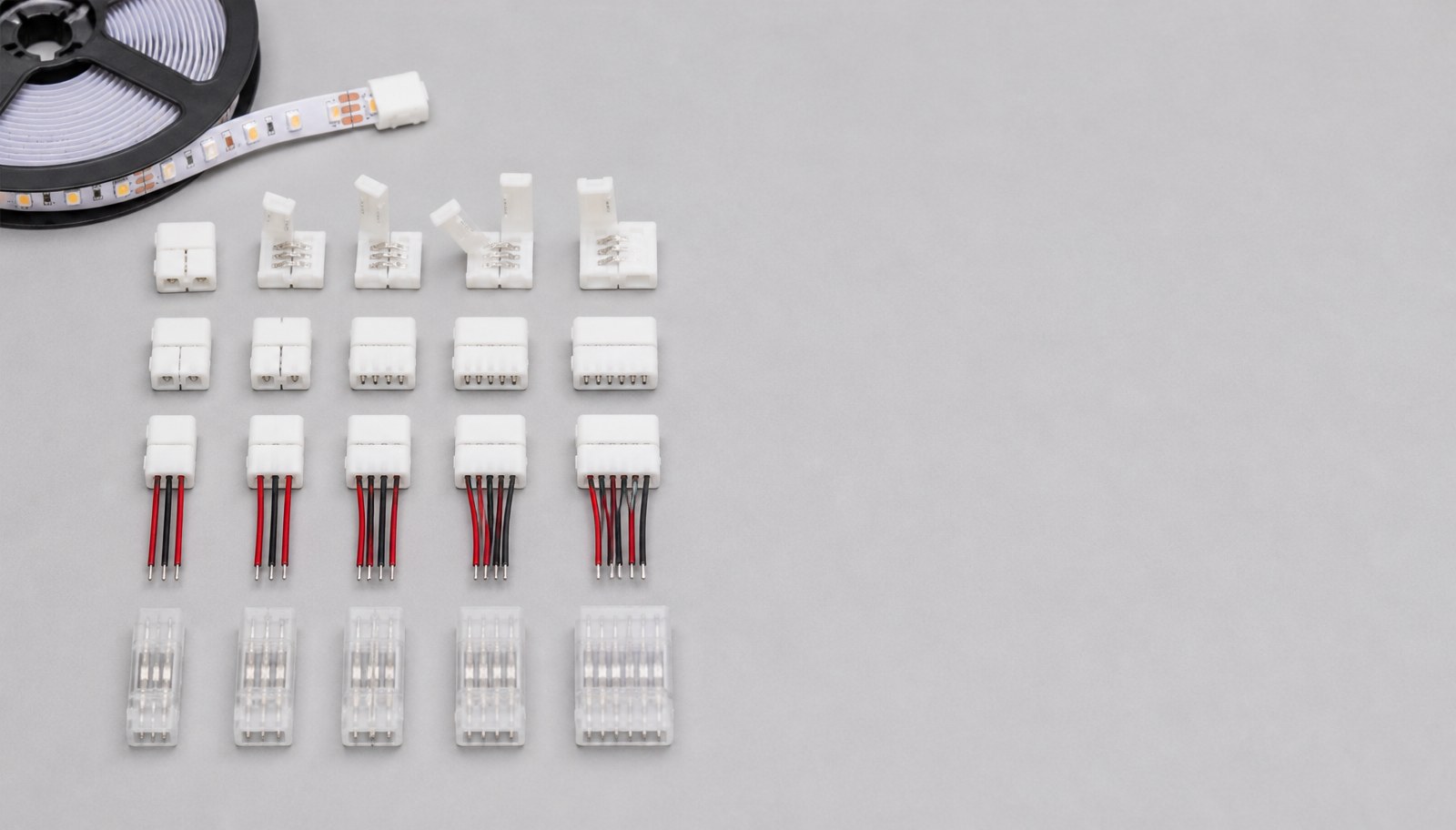
Planning a connector assortment for distribution is a portfolio decision, not a single-SKU compatibility match. It starts from the customer segments and strip families actually served, builds a coverage matrix across those families and channel counts, selects core and long-tail SKUs with defined pack units, creates labels and item records for each SKU, and only then requests current terms — with a documented substitution rule for when an exact SKU is temporarily unavailable.
This guide is for distributors, wholesalers and importers building or expanding a connector range. For matching one connector to one strip by exact geometry, see the LED strip connector matching guide; this article is the portfolio layer above that single-SKU match. Review current LED strip connectors and the distributor program before building the assortment.
Define customer segments and use cases
Start from who buys from the assortment, not from the broadest possible SKU list.
Record for each segment:
- typical strip families they install or resell (SMD, COB, neon flex, RGB/RGBW, addressable);
- typical channel counts needed (single-color, RGB, RGBW, addressable data lines);
- typical order pattern (single-piece repair stock, project-batch quantities, or recurring replenishment);
- any destination-market or application constraint (indoor retail, outdoor, OEM private label).
A connector assortment built without named segments tends to over-stock rare configurations and under-stock the ones customers actually reorder. Define the segments before building the matrix.
Build a compatibility-coverage matrix by strip family and channels
Cross-reference the strip families and channel counts from the segment list against available connector types, so coverage gaps are visible before ordering.
| Strip family | Typical width / pitch range | Channel count | Connector types to cover |
|---|---|---|---|
| Single-color SMD | By exact strip family | 2-pin | Solderless clip, wire-lead, inline splice |
| RGB SMD | By exact strip family | 4-pin | Solderless clip, wire-lead, inline splice |
| RGBW / RGBCW SMD | By exact strip family | 5-pin / 6-pin | Solderless clip, wire-lead |
| Addressable (data) | By exact strip family | 3-pin + data | Wire-lead with confirmed data-line continuity |
| COB strip | By exact strip family | Per family | Clip or solder-pad, confirmed coating compatibility |
| Neon flex | By exact strip family | Per family | End caps, feed-in connectors, joint connectors |
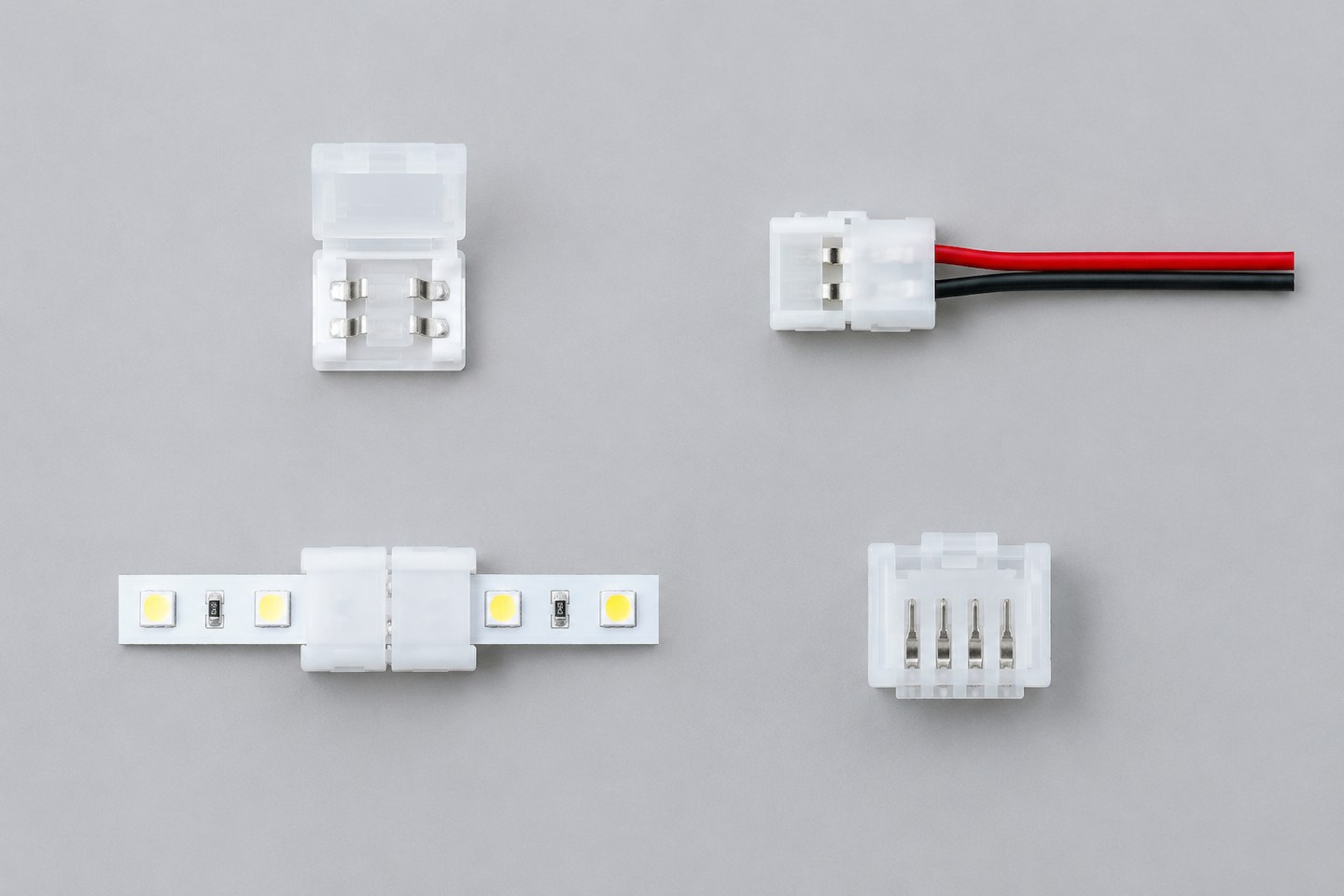
Fill the matrix with exact width, pad geometry, pin count and coating compatibility per connector SKU — not a family-level approximation. A connector that fits one strip width in a family does not necessarily fit every width in that same family name.
Select core and long-tail SKUs with pack units
Split the matrix result into two tiers:
- Core SKUs: connectors covering the highest-frequency strip families and channel counts from the segment list. Stock these at higher pack quantities and keep them as standing inventory.
- Long-tail SKUs: connectors covering less frequent but still requested configurations. Stock these at lower pack quantities, or confirm current lead time for order-on-demand fulfillment instead of standing stock.
For each SKU, confirm:
- pack unit (pieces per bag, bags per carton) and whether partial-pack ordering is available;
- minimum order quantity at the SKU level, which may differ from a stock-item baseline;
- current price break structure by quantity tier.
Do not assume pack units are uniform across the connector range — confirm each SKU's actual pack configuration before building a price list.
Create labels, item records and a sample kit
Each SKU needs an internal item record before it enters a catalog or price list, so staff and customers can identify the exact part without relying on a photo.
For each SKU, record:
- internal item code, cross-referenced to the supplier's exact model and pin/geometry specification;
- compatible strip family and channel count, stated as confirmed, not estimated;
- pack unit and current pricing tier;
- label artwork or packaging requirement for resale, if applicable.
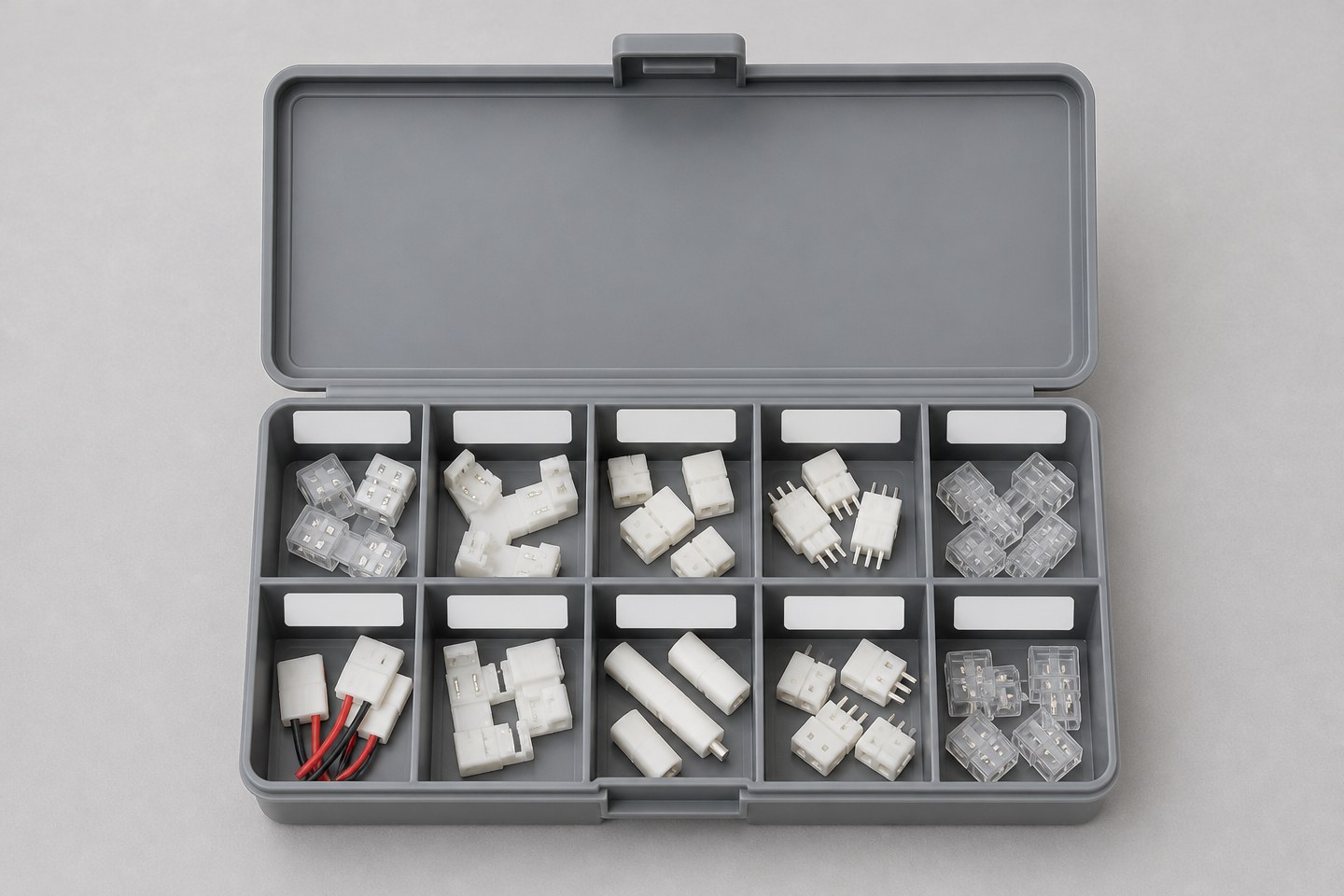
A labeled sample kit — one physical unit of each core and long-tail SKU, identified by item code — lets sales and support staff confirm the correct part before shipment and gives customers a physical reference for matching an unfamiliar strip. Build this kit from the finalized matrix, not from whatever samples are already on hand.
Request current terms and control substitutions
Request current terms for the finalized SKU list rather than assuming stock-item defaults apply uniformly across the connector range, since pack units and lead times can vary by SKU.
Document a substitution rule in advance:
- which SKUs are acceptable substitutes for which others, based on confirmed compatible geometry — not visual similarity;
- who is authorized to approve a substitution for a specific customer order;
- how substitutions are recorded so inventory and item records stay accurate.
A substitution made without a documented rule risks shipping an incompatible connector under a familiar label. Keep the rule tied to the confirmed compatibility matrix, not to convenience.
Replace vague requests with evaluable requirements
| Vague request | Why it causes rework | More evaluable wording |
|---|---|---|
| "Stock the common connectors." | No defined segment or coverage target | List the served strip families, channel counts and the coverage matrix built from them |
| "Match by family name." | A family name does not guarantee uniform width or pad geometry | Confirm exact width, pad geometry and pin count per SKU against each strip model |
| "Standard pack sizes." | Pack units vary by SKU | Confirm each SKU's actual pack unit and MOQ individually |
| "Substitute whatever's close." | Risks shipping an incompatible part | Use only the documented substitution rule based on confirmed compatible geometry |
Plan for review and adjustment
Treat the finalized assortment as a starting point, not a one-time decision — connector demand shifts as the served segments' strip families and project types change.
- Set a review interval (for example, quarterly) to compare actual connector order frequency against the original core/long-tail classification.
- Reclassify a SKU from long-tail to core if it is being reordered more frequently than expected, and adjust pack units and standing stock accordingly.
- Retire a SKU that has seen no orders over a defined period, after confirming no served segment still depends on it.
- Keep the segment list itself under review — a new customer segment or a shift in which strip families a segment uses most will change which connectors the assortment actually needs to cover.
An assortment built once from the initial matrix and never revisited tends to drift away from actual demand, carrying standing stock for configurations that are no longer requested while under-stocking ones that have become genuinely popular.
When the segment list, coverage matrix, core/long-tail SKU split and review plan are ready, Submit a Cooperation Profile. Include the served strip families, channel counts, target core and long-tail SKU list, expected pack units and order pattern. The inquiry begins a range and terms discussion for the stated scope; exact pricing, MOQ by SKU and lead time are confirmed in that discussion, not by this guide.
Compare matching products.

Solderless Connector for 5–12 mm LED Strips
A transparent press-fit connector range for COB and SMD strips, with single-end, middle-joint and double-end cable types in 5 mm, 8 mm, 10 mm and 12 mm widths.
ULT-D9D124F2 · 16 configurationsFrom USD 0.08 for this configurationReference priceView product
5V/12V/24V/220V CCT 2835 and COB Flexible LED Strip Options
A multi-voltage tunable-white strip family with 2835 and COB constructions, 5–10 mm PCB widths and 104–608 LEDs/m depending on the exact SKU.
ULT-038A108F · 18 configurationsFrom USD 0.60 for this configurationReference priceView product
Solderless Connector for Coated LED Strips
A connector range for coated and driverless strip formats with piercing, contact, tinned and L-shape options across several strip widths.
ULT-55F4EAF5 · 17 configurationsFrom USD 0.16 for this configurationReference priceView product
36V IP67 Triple-Row Oblique 2835 LED Strip and 10 mm Connector
A 36V IP67 triple-row oblique 2835 strip in 3000K or 6000K, plus a separate 10 mm 2-pin solderless connector accessory.
ULT-8281EAD3 · 3 configurationsFrom USD 1.13 for this configurationReference priceView productBring the comparison into a project brief.
Share the documented requirements and unresolved questions. An inquiry begins review; it does not confirm engineering approval, compatibility, stock, price, lead time, compliance or an order.
Prepare a project brief