Narrow or short strip configurations suit compact decorative assemblies.
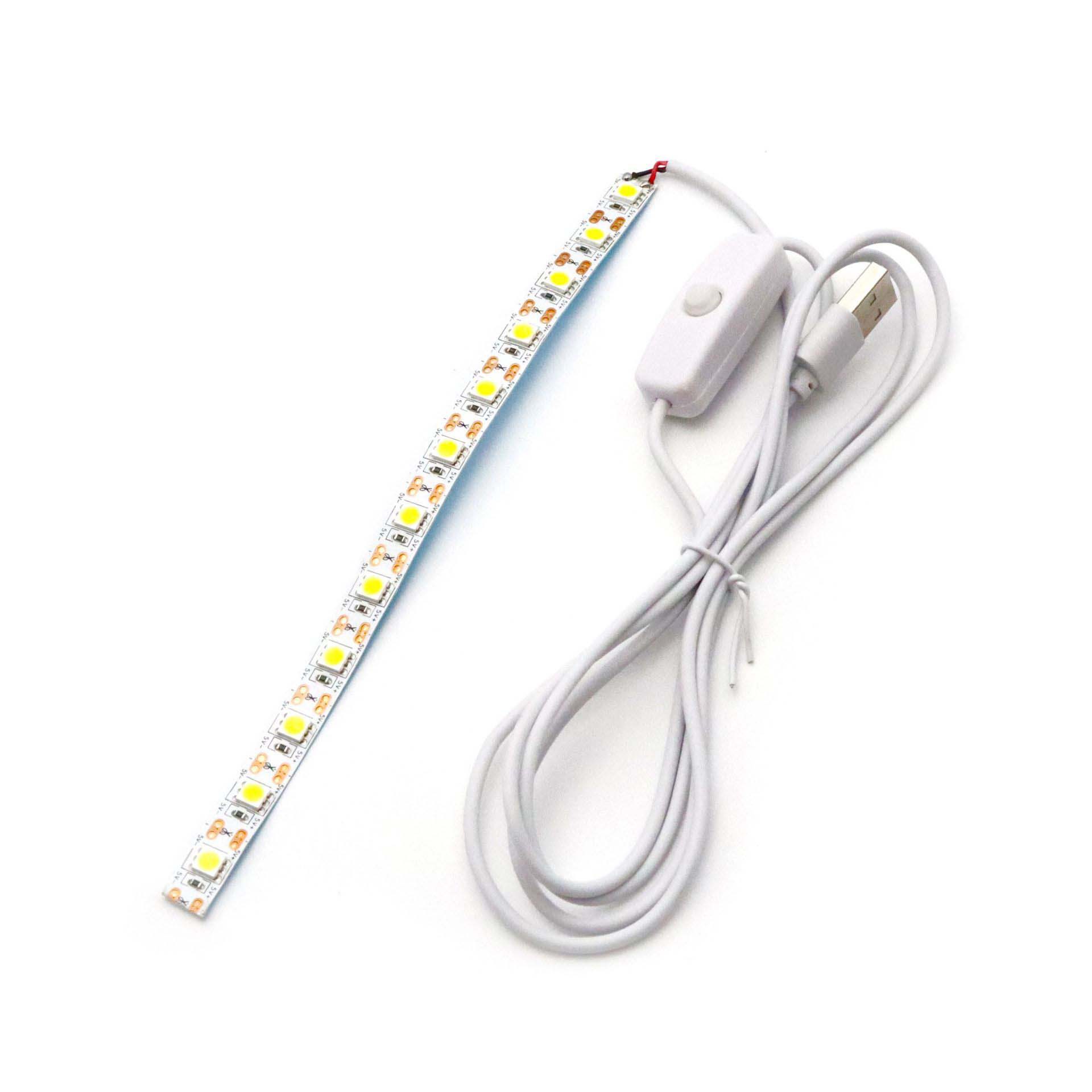
Flexible LED strips
5 V USB Three-White-Mode Strip with Button Switch for Illuminated Art
Provide the artwork dimensions, light colour behaviour, strip length and USB lead requirement when requesting a configuration. Other pictured controllers are not automatic inclusions.
- Model
- ULT-4025BDA4
- Product type
- SMD and flexible LED strips
- Available configurations
- 1
PRODUCT OVERVIEW
5 V USB Three-White-Mode Strip with Button Switch for Illuminated Art
A USB-powered strip with a 501 button switch provides white-light choices for illuminated pictures and compact displays. The strip combines warm and white emitters to produce warm, neutral and white appearances. A button lead provides local control, and adhesive backing supports concealed fitting behind an illuminated artwork. Request the required strip length and wiring arrangement for the intended frame.
- 5 V USB strip family
- 501 button-switch arrangement
- Warm, neutral and white-light modes
- Adhesive backing for concealed mounting
PRODUCT GUIDANCE
Plan the right configuration.
Product information by ULANTU
- Configuration limits
- Specifications, accessories, supply voltage and protection apply to the selected variant or shown image, not the whole family by default.
PARAMETERS
Review the available product details.
- Listed specification
- 5 V USB strip family
- Listed specification
- 501 button-switch arrangement
- Listed specification
- Warm, neutral and white-light modes
- Listed specification
- Adhesive backing for concealed mounting
CONFIGURATIONS
Choose from 1 available configurations.
Provide the artwork dimensions, light colour behaviour, strip length and USB lead requirement when requesting a configuration. Other pictured controllers are not automatic inclusions.
Use the search to narrow by voltage, color, length, plug, controller or model text.
SELECTION GUIDANCE
Confirm the complete requirement.
- Product selection
- Check frame clearance and ventilation around the electrical parts. Attach the backing to a suitable clean, dry surface and use a matched 5 V USB source. Keep the button accessible.
- Quantity
- Enter the project quantity, length or sample need.
- Destination
- Add destination and postal code in the request form.
- Documents
- Request only the files applicable to the selected model and market.
APPLICATIONS & NEXT STEPS
Product uses
Related application guides
Application imagery and guidance illustrate possible uses only. They are not customer cases or performance proof.

Retail & Display Lighting
View application guidePROJECT REVIEW
Start a project inquiryConfirm suitability for your application.
RELATED PRODUCTS
Compare the same product type.
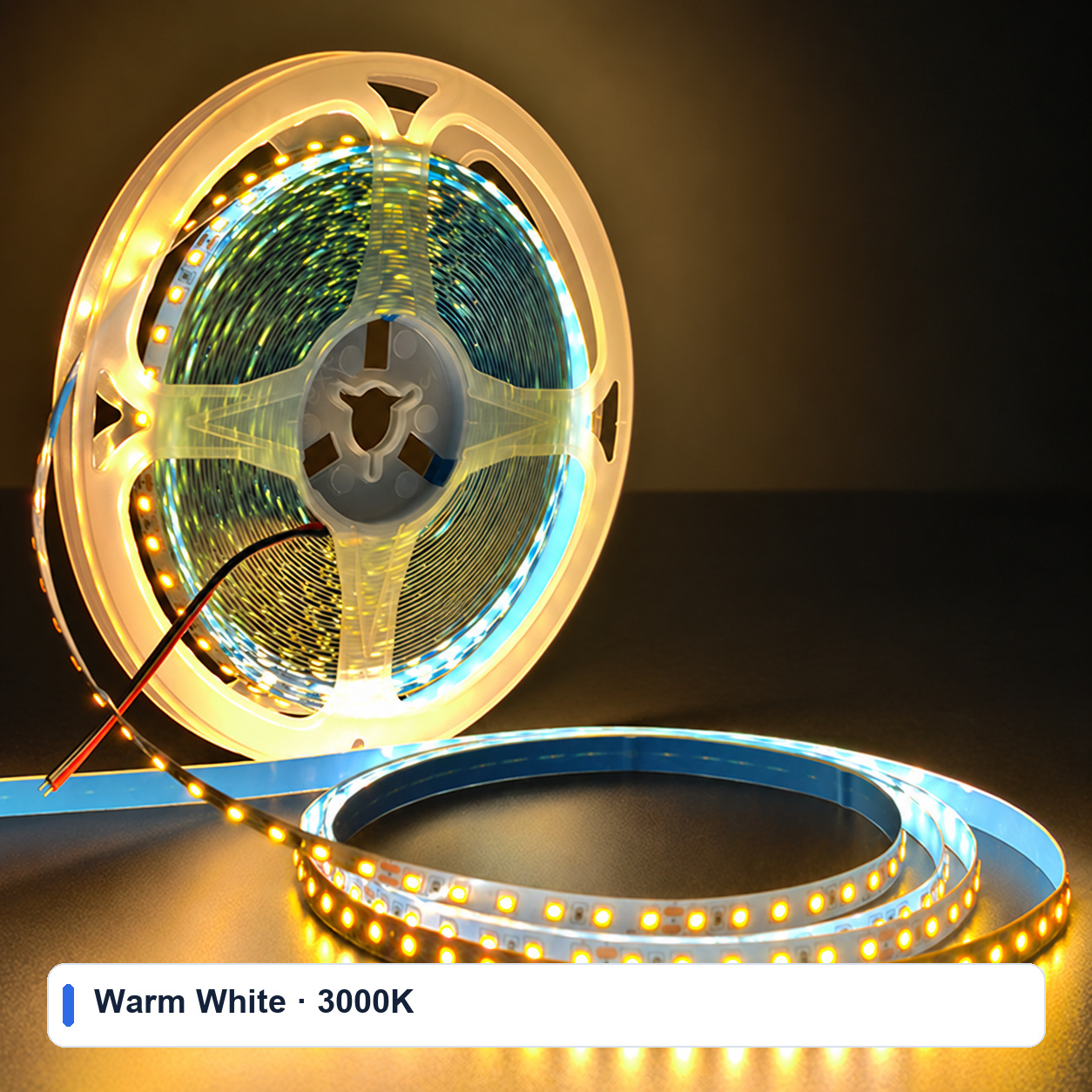 SMD and flexible LED strips
24V 2835 Flexible LED Strip, 8 mm, 120 LEDs
An 8 mm flexible 2835 strip with 120 LEDs per metre, available in three white tones and 5 m, 10 m or 20 m lengths.
ULT-5A801857 · 9 configurationsFrom USD 4.38 for this configurationReference priceView product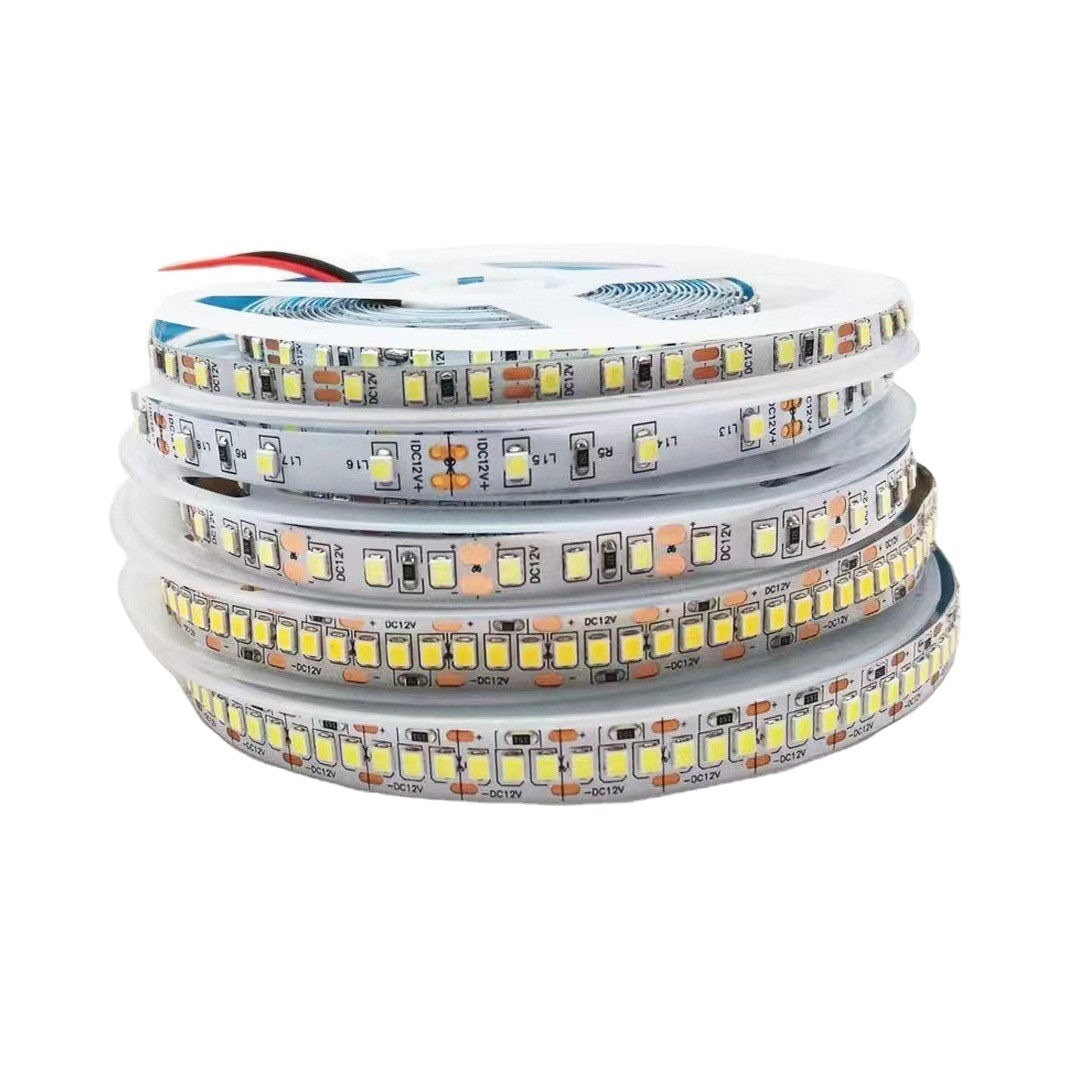 SMD flexible LED strips
2835 Flexible LED Strip Range for Cabinet and Ambient Lighting
A broad 2835 strip family covering multiple voltages, board widths, LED densities, light colors and protection formats.
ULT-61F5867C · 169 configurationsFrom USD 0.27 for this configurationReference priceView product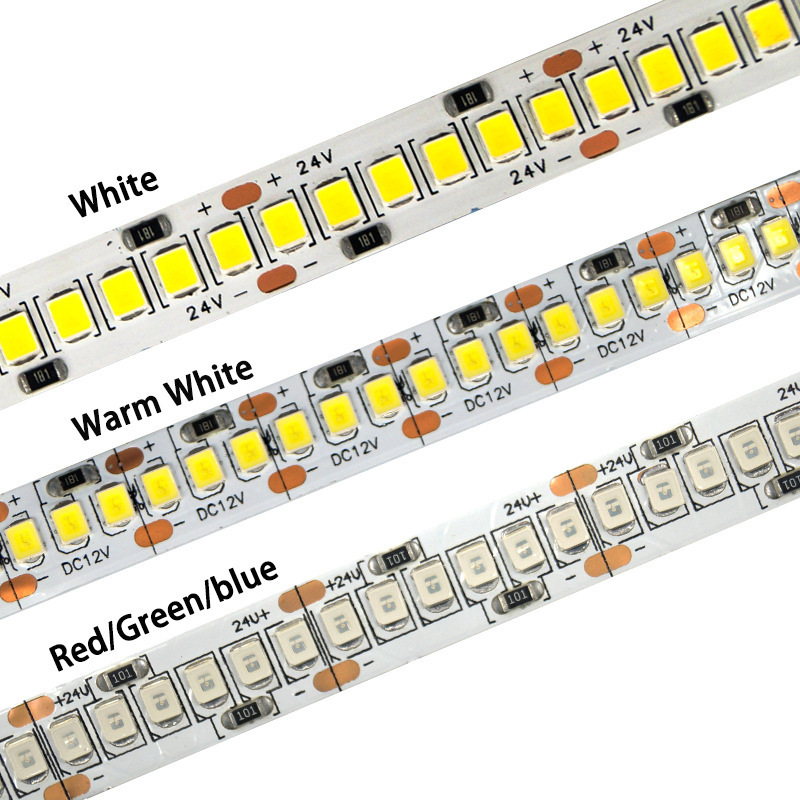 SMD flexible LED strips
12V/24V High-Density 2835 Flexible LED Strip
A high-density 2835 strip family with single-row and double-row constructions for bright linear lighting.
ULT-508EDBEB · 32 configurationsFrom USD 1.01 for this configurationReference priceView product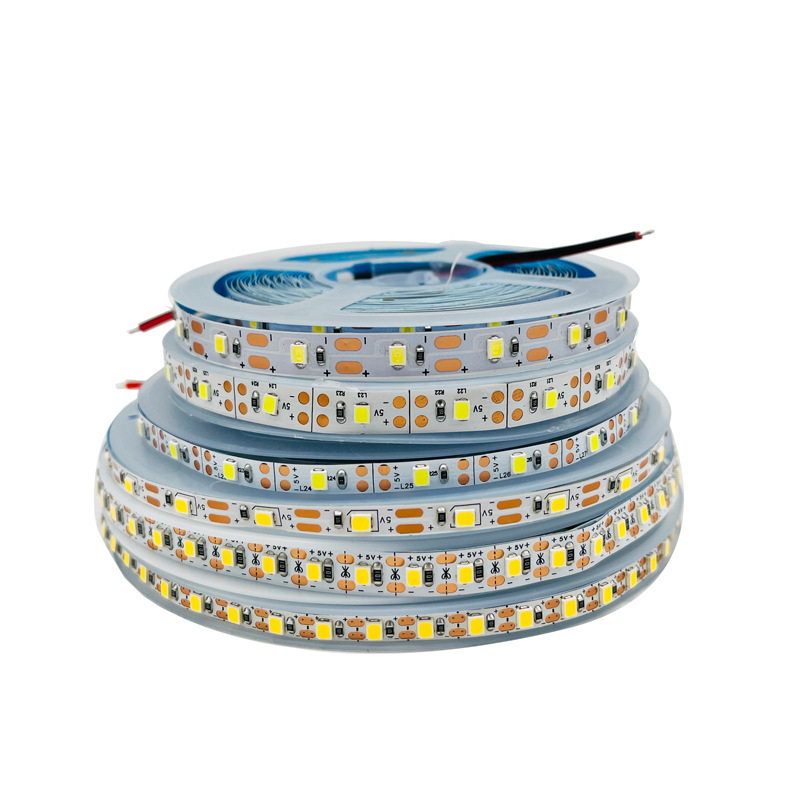 SMD flexible LED strips
Low-Voltage 2835 USB LED Strip for Light Art
A narrow 2835 flexible strip range for USB-powered light art, paper-cut displays and compact decorative projects.
ULT-3C5A6FEC · 73 configurationsFrom USD 0.30 for this configurationReference priceView product