RGB Floor Lamp Sourcing Checklist for Distributors and Retail Buyers
Compare the available corner and tripod lamp formats, confirm the exact power and control option, then record sample, packaging and labeling requirements before requesting a quotation.
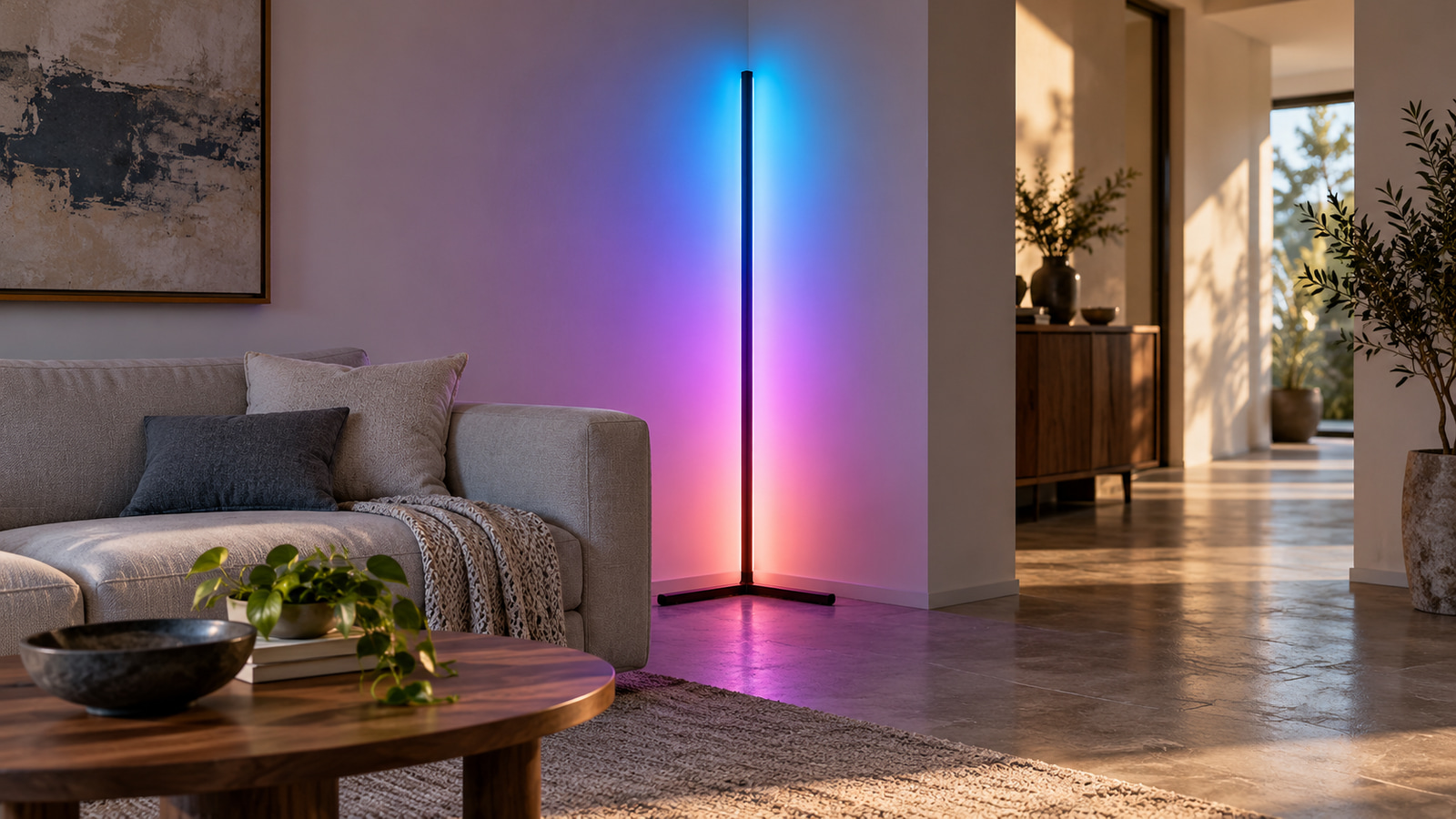
Start with the display space and lamp form, then compare the exact model’s power input, controls, dimensions, and included components. Use a sample to check assembly and user operation before fixing the retail range. Send the selected model, quantity, destination, and packaging requirements for a current quotation. This RGB floor lamp wholesale sourcing checklist keeps product facts separate from requirements that still need model-level review.
Use the current RGB floor lamp range to identify the available products. Compare the available models, then use the checklist below to prepare a clear sourcing request for your distribution, retail, or private-label program.
Choose the lamp form for the actual display space
A corner light line and a freestanding tripod lamp solve different display problems. Start with the intended room position, customer viewing direction, wall and floor clearances, and walking route. Do not select from color effects alone.
Compare a corner light line with a freestanding tripod
| Exact product | Placement and footprint | Listed height | Power description | Listed controls and modes | Listed configurations | Sample check |
|---|---|---|---|---|---|---|
| RGB Corner Floor Lamp — ULT-879DF486 / V0001 | Right-angle corner format; listed base width 37.5 cm | 140 cm | USB | 24-key remote and Bluetooth app; music and timer modes are recorded | 1 | Confirm the proposed corner, pole assembly, base clearance, control journey, and actual supplied set |
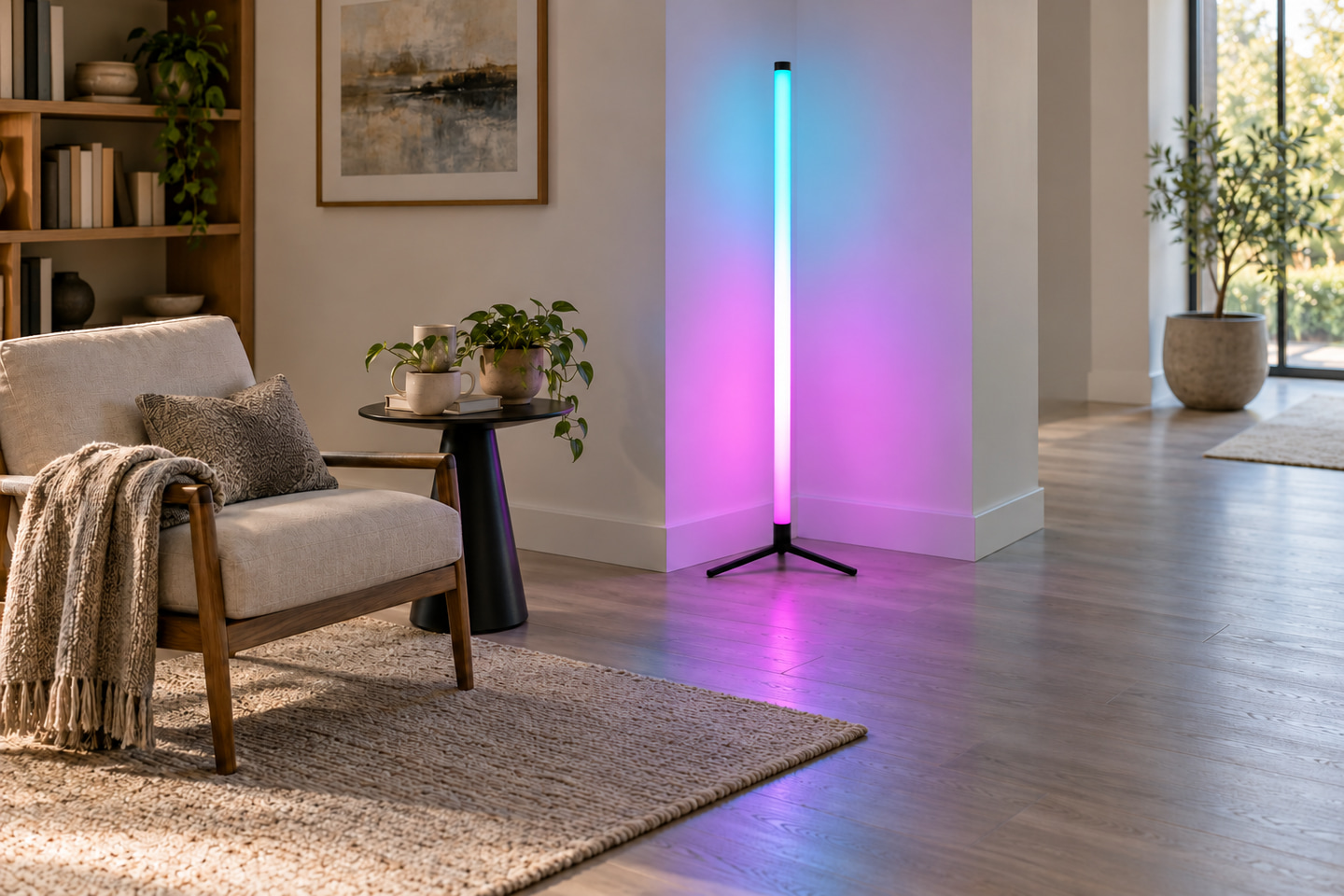
| RGB Tripod Floor Lamp — ULT-255E5AB8 / V0001 | Freestanding triangular stand | 110.5 cm | 5V, plug-in | 24-key remote and Bluetooth app; music-responsive operation is recorded | 1 | Confirm stand footprint, assembly, placement stability in the intended setting, control journey, and actual supplied set |
The listed dimensions describe the recorded product configuration; they do not establish every clearance needed in a shop or home. Ask the buyer or merchandiser to provide:
- the planned display area and whether the lamp sits in a wall corner or open floor space;
- available wall, floor, and aisle dimensions;
- normal viewing direction and nearby reflective surfaces;
- access to the intended power point;
- whether customers will operate the sample in-store; and
- any restrictions on assembly, relocation, or storage between displays.
Do not infer tip resistance, extra dimensions, universal room suitability, or certification coverage from the form or product image. Evaluate physical fit and handling with the exact sample.
Verify control behavior on the exact listed configuration
Both listed products include remote and app control in their recorded V0001 configuration, but the documented modes are not identical. Keep every control statement tied to the exact product and variant.
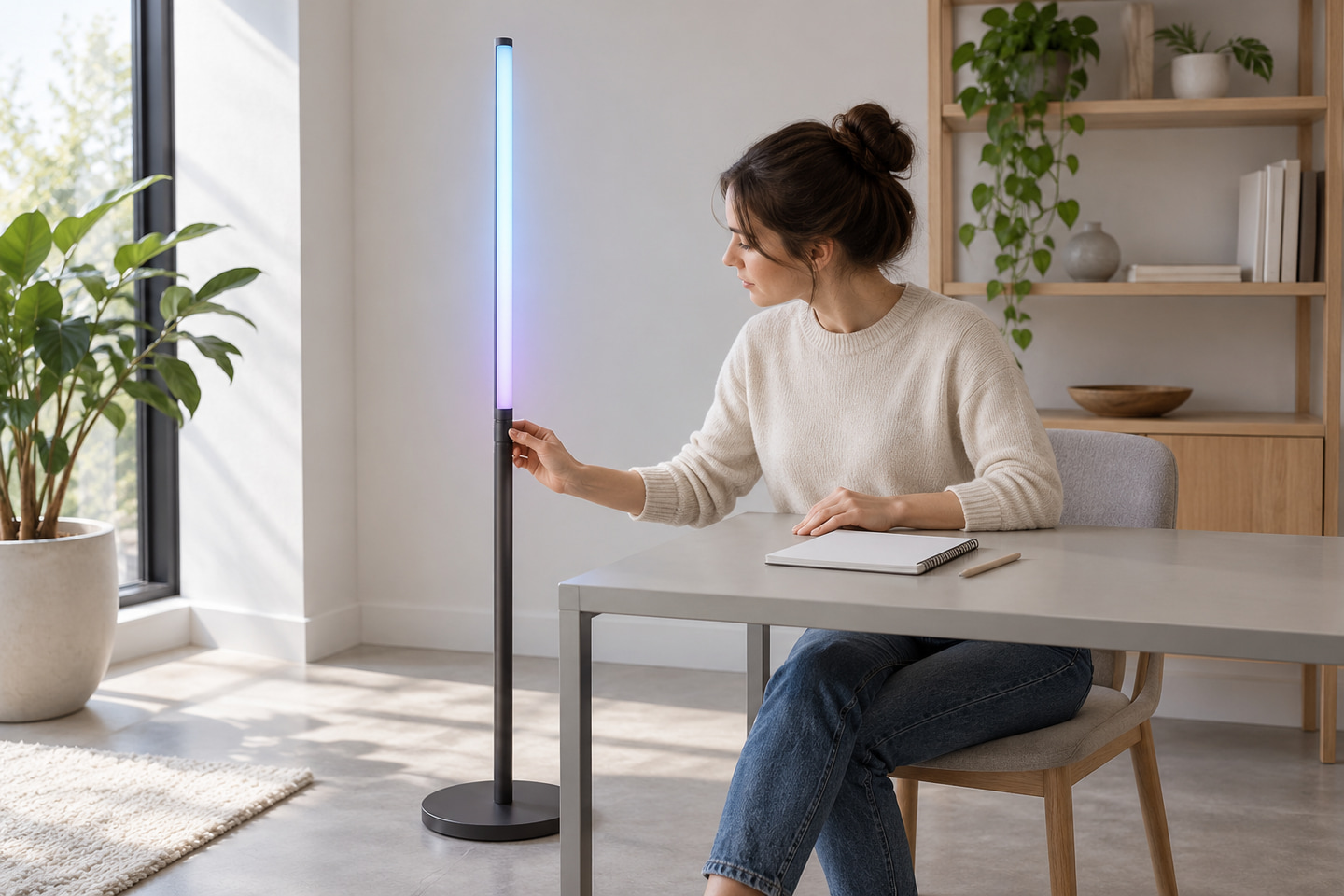
Test the remote and app journey on a sample
| Product and variant | Remote | App | Recorded modes | Buyer’s sample action |
|---|---|---|---|---|
| ULT-879DF486-V0001 | 24-key remote | Bluetooth app | Music-responsive and timer modes | Operate power, required colors, music response, timer behavior, and app connection using the supplied instructions |
| ULT-255E5AB8-V0001 | 24-key remote | Bluetooth app | Music-responsive modes | Operate power, required colors, music response, and app connection using the supplied instructions |
Use a repeatable control check rather than an informal demonstration:
- Record the product ID, variant ID, sample label, and instruction revision.
- Assemble the lamp as documented and identify the supplied controller, remote, and power items.
- Check basic on/off and the colors or scenes required by the retail brief.
- Pair or connect the app using the documented process and record the device/platform used for the check.
- Check only the modes documented for that product. A timer recorded for ULT-879DF486 must not be assumed for ULT-255E5AB8.
- Remove and restore power, then record the actual recovery behavior instead of assuming that the previous state returns.
- Note unclear instructions, missing operating information, or behavior that needs model-specific confirmation.
These steps are a buyer’s evaluation method, not a ULANTU laboratory result or a promise that every phone, software version, batch, or setting behaves the same way.
Separate power input from the complete supplied set
“USB,” “5V,” and “plug-in” describe part of the power arrangement. They do not prove which regional plug, adapter, cable length, or accessory is in the box. The quotation and sample record should identify the complete supplied set for the exact variant.
Record what arrives with the selected model
ULT-879DF486-V0001 is recorded as USB-powered. ULT-255E5AB8-V0001 is recorded as 5V and plug-in. Do not convert those descriptions into an adapter-included claim or assume that the two models use interchangeable power components.
| Item group | Record as included only when documented for the selected configuration | Buyer or sample check |
|---|---|---|
| Lamp sections and light body | Exact sections shown in the applicable packing list, quotation, or sample record | Count sections; inspect joints and assembly sequence |
| Stand or base | The base or tripod supplied for that exact lamp | Check visible condition, assembly, and required floor space |
| Controller | Controller identified for the exact variant | Record model/marking and connection to the lamp |
| Remote | 24-key remote for the two listed V0001 configurations | Confirm unit, operation, and any battery information in the supplied record |
| Power lead or adapter | Only the item explicitly named in the current option and quotation | Record interface, input marking, regional plug where applicable, and cable reach |
| Instructions | Only the current document actually supplied or provided | Record language, model scope, and revision |
| Separate installation or retail items | Do not describe as included without evidence | List display accessories, batteries, adapters, or other items the buyer will supply separately |
If a destination requires a particular plug, label, or document, state it in the request. Do not substitute across voltages, interfaces, or models without a supplier record and an appropriate sample review.
Define packaging and labeling requirements before quotation
Packaging and labeling are purchasing inputs, not facts that can be inferred from the lamp page. The current public information does not establish standard carton dimensions, pack quantities, label formats, custom packaging services, or transport-test results for these two products.
Keep requested changes separate from standard supply
Use the table below to separate your retail requirements from the current supply information and sample-review results:
| Requirement area | Current evidence to request | Buyer requirement | Sample or pre-order result |
|---|---|---|---|
| Selling unit | Current model/variant and pack description | Units per selling pack and channel needs | Record the reviewed sample or quotation |
| Inner protection | Current protective materials and component separation | Surface, stand, remote, and accessory protection needs | Record visible fit and condition after review |
| Outer carton | Current carton size, weight, quantity, and markings | Handling, warehouse, or carrier constraints | Record the confirmed configuration only |
| Product and carton labels | Current label fields and language | Model/SKU, barcode, quantity, destination, language, and buyer reference | Approve an actual label proof where required |
| Instructions | Current supplied document | Required language, safety/use information, and model reference | Record the approved document revision |
| Packaging images | Current packing photos, if available | Views needed for buyer approval | Link the reviewed files to the exact model |
If private-label graphics or packaging changes are required, describe the requested output and approval evidence. Do not describe the request as an available standard service until the supplier has reviewed and quoted it. The same boundary applies to barcode work, drop testing, regional documents, and branded instructions.
Approve the sample and build the retail range
A sample decision should connect a physical lamp to one model and one variant. It should also record what the sample does not prove, such as future availability, sales performance, return rate, or all-batch compatibility.
Send one model-level request per option
Review each candidate in this order:
- Verify the product ID, V0001 variant ID, sample label, and visible dimensions.
- Inspect lamp surfaces, sections, stand or base, joints, and assembly condition.
- Count the visible supplied parts and compare them with the applicable quotation or packing record.
- Record the power description and markings without assuming an unlisted adapter, plug, or cable length.
- Operate the 24-key remote and Bluetooth app through the required functions.
- Assemble, disassemble, move, and place the lamp in a representative display area.
- Review the actual packaging, labels, instructions, and any requested proof.
- Record pass, conditional approval, or rejection against the buyer’s stated criteria, with photos and the responsible reviewer.
Use the range decision to match merchandising space, not to predict sales:
| Retail-range decision | Suitable purchasing logic | Required evidence before order |
|---|---|---|
| Corner lamp only | The planned display and customer use favor a vertical light line beside a wall corner | ULT-879DF486-V0001 sample, placement dimensions, control check, supplied-set record, and packaging review |
| Tripod lamp only | The display needs a freestanding lamp that is not tied to a corner | ULT-255E5AB8-V0001 sample, stand/placement review, control check, supplied-set record, and packaging review |
| Both formats | The buyer intentionally serves two placement needs and can distinguish them in merchandising and stock records | Separate model-level approvals, quantities, labels, packaging records, and forecasts; do not merge their specifications |
For broader finished-luminaire browsing, use the profiles and finished luminaires catalog, noting that it also contains profiles and should not be read as a floor-lamp-only collection.
Copy this RFQ checklist and complete it for each requested model:
| RFQ field | Buyer input |
|---|---|
| Product ID and exact variant ID | |
| Requested quantity and sample quantity | |
| Destination country or region | |
| Intended retail channel and display setting | |
| Required lamp form and placement limits | |
| Power and control requirements | |
| Functions to check on the sample | |
| Included components and separately supplied items | |
| Packaging and protection requirements | |
| Product/carton label and barcode requirements | |
| Instruction language and document needs | |
| Required packaging photos or approval proofs | |
| Acceptable alternatives and non-negotiable items |
Send the exact model and variant ID, quantity, destination, intended display setting, sample requirements, and packaging or labeling needs through Request Current Lamp Options. Availability, pricing, MOQ, lead time, and configuration details must be confirmed for the current request.
Bring the comparison into a project brief.
Share the documented requirements and unresolved questions. An inquiry begins review; it does not confirm engineering approval, compatibility, stock, price, lead time, compliance or an order.
Prepare a project brief