LED Strip Driver Selection: Voltage, Capacity and Dimming Interface
Match the driver's output exactly to the strip, size capacity from a confirmed load with margin, and select a dimming interface from the control method already decided.
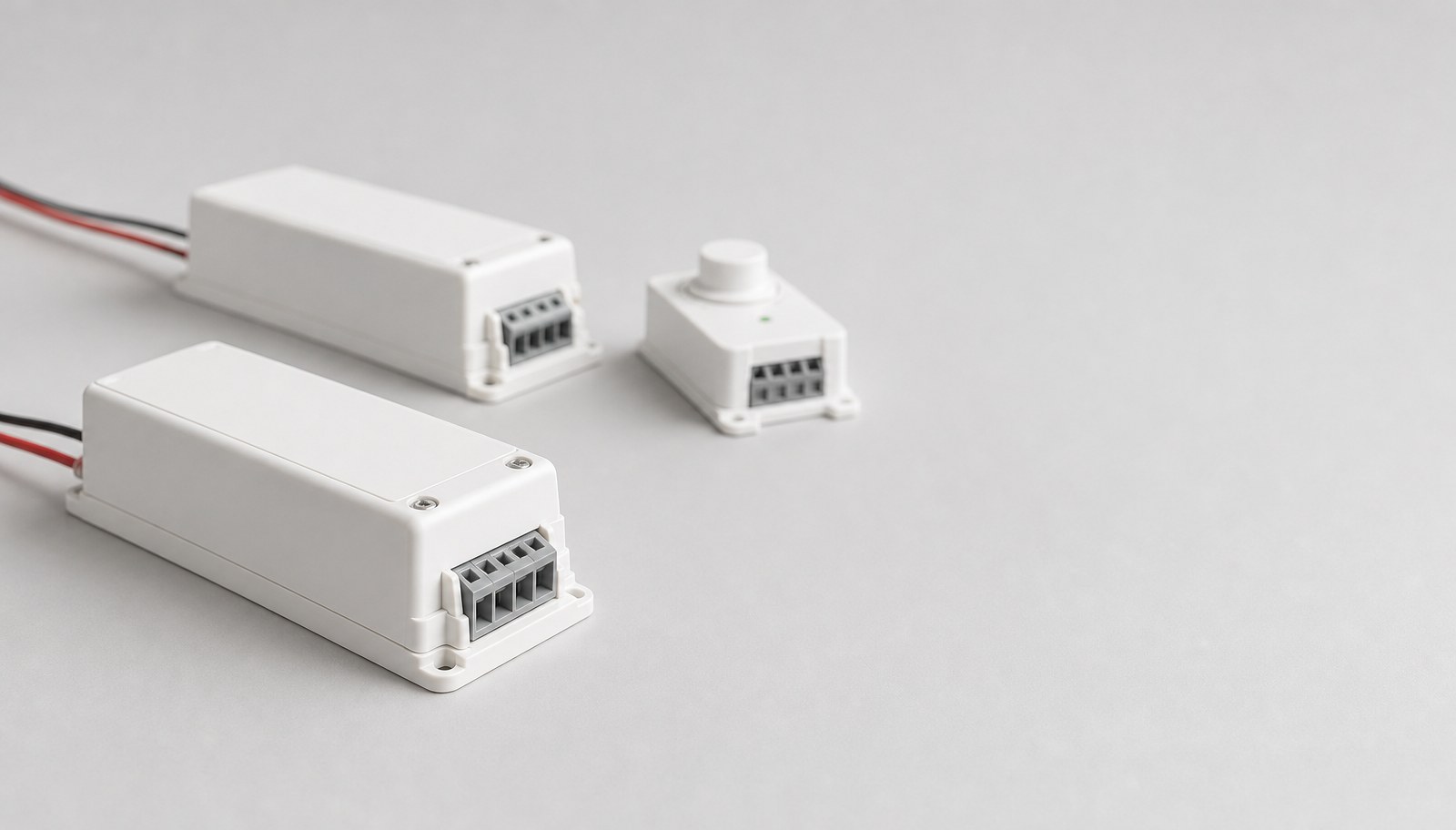
Selecting an LED strip driver is a specification task, not a wiring calculation. It starts from the available input supply, moves to the required output voltage and type, sizes capacity with a working margin, selects a dimming interface that matches the chosen control, and finally checks the installation environment and required documents. Treat these as five separate decisions; collapsing them into "a driver that fits" is what produces a mismatched or undersized unit after the strip is already installed.
This guide is for contractors, OEM buyers and project buyers preparing a driver shortlist before ordering. It assumes the branch load and voltage drop have already been calculated — see the power supply sizing and voltage-drop guide for that step. Review current LED strip power supplies and LED strip controllers, then use the sequence below to narrow a candidate list. It is a selection method, not a guarantee that a named model meets a specific certification or compatibility requirement without confirmation.
Identify the available input supply
Start from what the installation actually provides, not from a driver's rated range alone.
Record:
- input voltage and frequency at the installation point (standard household or commercial mains, or a stepped-down DC bus);
- whether the supply is shared with other loads on the same circuit;
- available enclosure space, ventilation and mounting orientation for the driver;
- any input-side protection or disconnect already required by the installation.
A driver rated for a wide input range is not automatically correct for every site. Confirm the actual supply condition before shortlisting a model, and flag any site where the input is unconfirmed as an open item rather than an assumption.
Match the output voltage and type
Match the driver's output exactly to the strip's confirmed system voltage and current type (constant voltage or constant current). A driver output that does not match the strip's rated system voltage is not a minor mismatch — it is an incompatible pairing.
Confirm for each candidate driver:
- output voltage and whether it is fixed or adjustable;
- constant-voltage or constant-current operation, matched to the strip's own driving method;
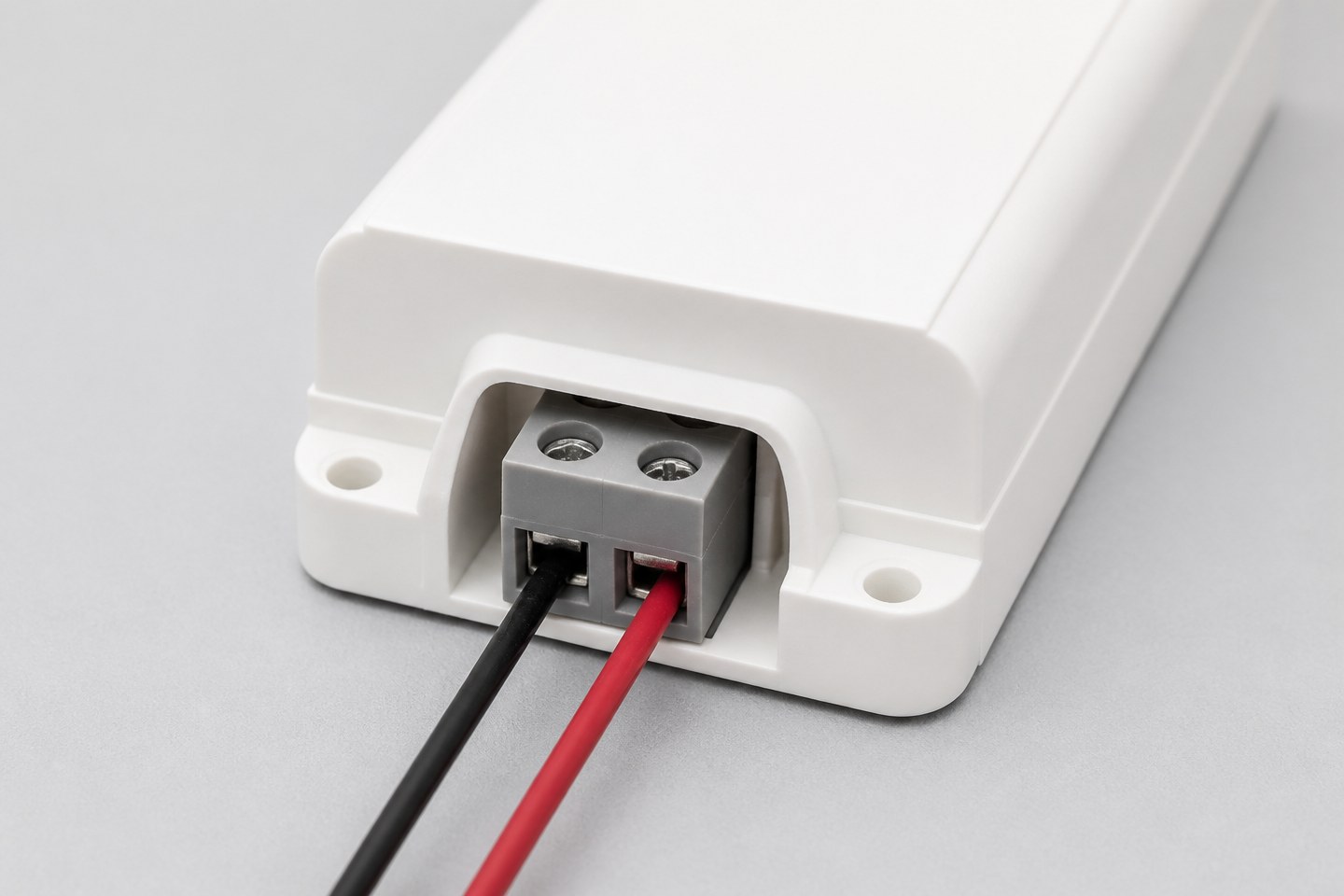
- output connector or terminal type and how it will land on the strip's input lead or connector;
- rated output tolerance, since strip brightness and color consistency are sensitive to supply voltage drift.
Do not assume one driver family covers every voltage in a product line. Confirm the exact output figure against the exact strip model, not against a general product name.
Calculate load and margin
Size driver capacity from the actual calculated load, with a stated margin — not from a rounded guess.
- Confirmed load: Take the verified total wattage for the run (strip power per metre × planned length, plus any accessories on the same circuit) from the power-supply sizing step.
- Margin: Apply a working margin above the confirmed load so the driver is not run at its rated ceiling continuously. State the exact margin used in the project record rather than leaving it implied.
- Derating conditions: Check whether the chosen enclosure, mounting orientation or ambient temperature requires the driver's rated output to be reduced, and record that adjusted figure as the real working capacity.
- Multiple circuits: If one driver feeds multiple branch runs or zones, total every branch's confirmed load before sizing, not just the first branch calculated.
A driver selected without a stated margin and without derating review is an assumption, not a specification.
Select a matching dimming interface
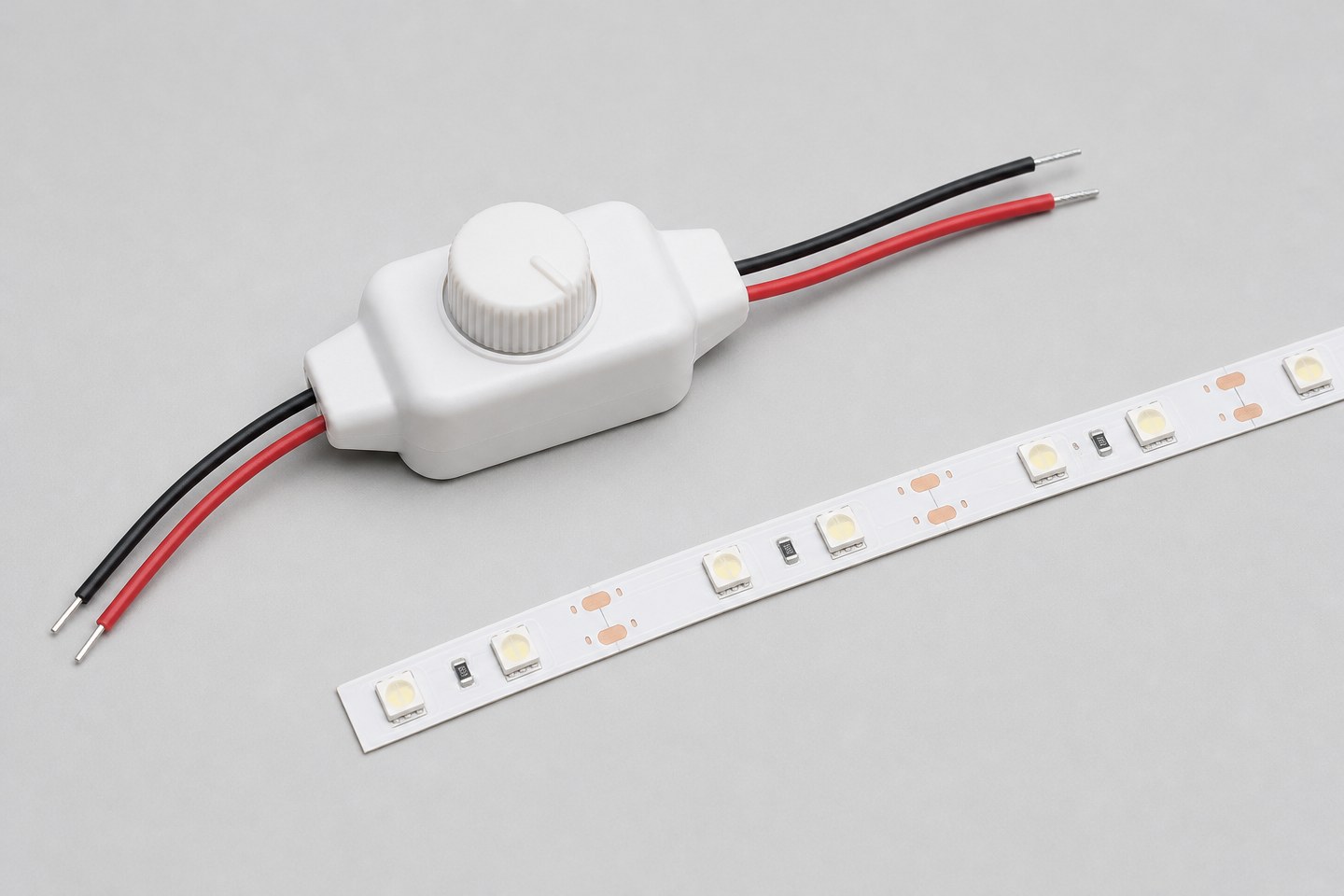
The dimming interface is a separate decision from driver capacity. Select it from the control method already confirmed for the project, not from whichever interface is most common.
| Control method | What to confirm on the driver | What to confirm on the controller |
|---|---|---|
| 0–10V or similar analog dimming | Interface type, voltage range, minimum dim level | Matching output interface and wiring polarity |
| Triac or phase-cut dimming | Compatibility with the specific dimmer family, minimum load | Confirmed compatible dimmer model, not a general "dimmable" label |
| DALI or addressable digital control | Protocol version, addressing capacity, bus wiring rules | Matching protocol version and bus topology |
| Fixed-output, no dimming | Confirm the application genuinely needs no dimming | Not applicable |
A driver marketed as "dimmable" without a named interface is not a specification. Require the exact interface, voltage or protocol detail, and confirm it against the specific controller before ordering either part.
Check the environment and required documents
Confirm the driver's protection rating and mounting method match the actual installation environment — damp location, enclosed cabinet, outdoor exposure or a ventilated equipment room are different requirements, and a component-level protection rating does not automatically cover the complete installed assembly.
List the documents actually needed for the project, by exact model:
- driver datasheet with electrical and protection ratings;
- dimensional drawing if the driver must fit a defined enclosure or cutout;
- any destination-market compliance document required for the exact model and application;
- installation or wiring diagram for the confirmed dimming interface.
Do not request "all certificates" without naming the destination market, the exact driver model and the document type needed. Certification scope and compatibility for a specific project must be confirmed with the supplier against the selected model — this guide does not state that scope for any particular unit.
Replace vague requests with evaluable requirements
| Vague request | Why it causes rework | More evaluable wording |
|---|---|---|
| "A driver for this strip." | No input, output or environment data | State input supply, output voltage/type, confirmed load with margin, and environment |
| "Dimmable driver." | Dimming interface and protocol are undefined | Name the exact interface (0–10V, triac, DALI) and the matching controller |
| "Standard outdoor rating." | Protection scope and assembly boundary are undefined | Describe the installation environment, enclosure and required protection scope for the full assembly |
| "Enough capacity." | No stated load or margin | Provide the confirmed load figure, stated margin, and any derating condition |
Review before placing the order
Before confirming quantity, run through the five decisions above as a single checklist against the exact candidate model, not against the driver category in general.
- Input supply confirmed at the installation point, not assumed from a wide rated range.
- Output voltage, type and connector confirmed to match the exact strip model, not a family name.
- Confirmed load with a stated margin and any derating condition applied.
- Dimming interface named exactly and confirmed compatible with the chosen controller.
- Protection rating and required documents confirmed for the exact model and destination market.
A driver shortlist that passes all five checks for the specific installation is a specification ready for quotation. A shortlist based on a general product description is still an open item, regardless of how complete the surrounding project documentation looks.
When the input supply, output requirement, confirmed load and dimming interface are documented, Submit an Application Brief. Include the input supply condition, strip voltage and load calculation, required dimming interface, installation environment and any documents needed for the destination market. The inquiry begins a driver and controller compatibility review for the stated scope; exact model compatibility, certification coverage and commercial terms are confirmed in that review, not by this guide.
Bring the comparison into a project brief.
Share the documented requirements and unresolved questions. An inquiry begins review; it does not confirm engineering approval, compatibility, stock, price, lead time, compliance or an order.
Prepare a project brief