LED Strip Batch Color Consistency: Targets, Lot Records, Comparison and Approval
Batch color consistency is a specification and recordkeeping task: freeze the product identity, state the color target, identify every lot, compare under control and keep a signed reference.
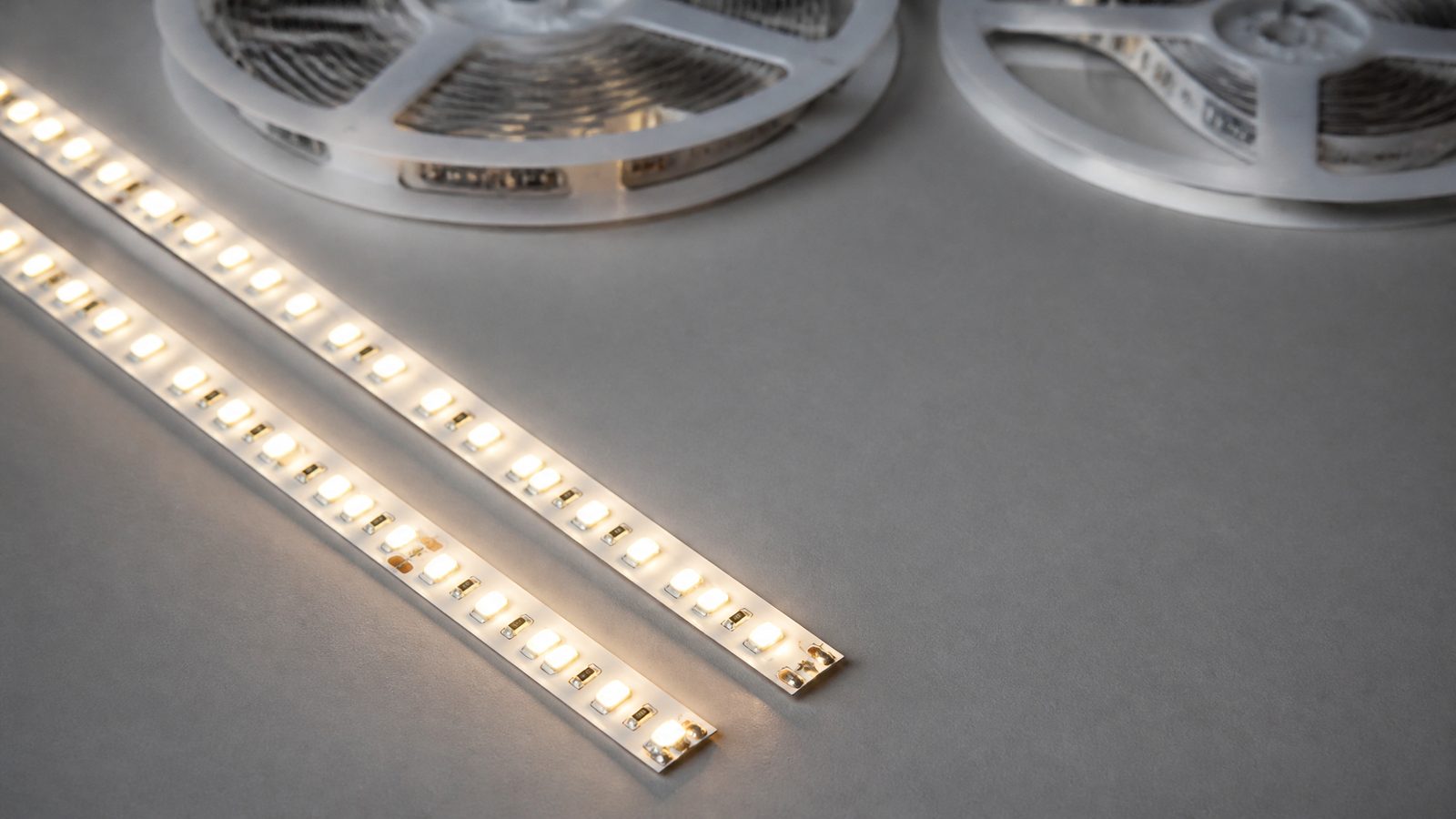
LED strip batch color consistency is controlled by five buyer-side records: the exact model and revision, a written color target, the identity of every reel or production lot, a controlled side-by-side comparison, and a signed approval with a retained reference sample. A color temperature such as “3000K” on a label is a nominal target, not proof that two reels will look the same when they are installed next to each other.
This guide is for quality teams, distributors and lighting brands who reorder the same LED strip and need later batches to match an approved sample. It treats color consistency as a specification and recordkeeping task. It does not replace the ULANTU quality framework, and it does not assume a tolerance value that has not been agreed for the exact product.
Freeze the model and revision before judging color
Color can only be compared between items that are meant to be the same product. Before discussing any color difference, confirm that the approved sample and the new batch share one identity.
Record:
- exact model or SKU and the selected options;
- strip type, for example SMD or COB, and LED density;
- voltage and wattage per meter;
- nominal color temperature or color option;
- CRI or other color-rendering value, if specified;
- PCB width, coating or protection version;
- datasheet or specification revision;
- any stated component or process change since the approved sample.
If one of these fields differs, the comparison is no longer a batch-consistency check. A change in LED package, phosphor, density, PCB color, coating or diffuser can change the perceived color even when the nominal color temperature stays the same. Treat such a change as a new sample approval, not as a normal reorder.
For tunable-white products such as tunable-white LED strip, freeze the channel arrangement and the controller settings as well. A color comparison made at a different channel mix is not a comparison of the strip.
State the color target in writing
A useful color target names what is being controlled and how it will be judged. Without it, a supplier and a buyer can both be correct about different things.
| Target element | What to write down | Why it matters |
|---|---|---|
| Nominal color temperature | For example 2700K, 3000K, 4000K | Defines the intended white point, not the allowed spread |
| Color consistency limit | A value in MacAdam ellipse steps (SDCM) only if it has been agreed for this exact product | Defines how far a reel may sit from the target point |
| Target reference | The approved retained sample, a chromaticity point, or both | Gives both parties the same reference to compare against |
| Color rendering | CRI value if specified | Two strips can share a CCT and still render surfaces differently |
| Comparison condition | Diffuser, profile, mounting surface, drive current and warm-up | Perceived color changes with the installation |
MacAdam ellipse steps, also written as SDCM, describe how far a measured color sits from a center point on the chromaticity diagram. Smaller numbers mean a tighter grouping. EU Regulation (EU) 2019/2020 on light sources lists color consistency in MacAdam ellipse steps as a declared parameter for products within its scope, and its verification annex compares the measured number of steps against the declared number around the supplier’s declared center point. That is a useful model for any purchase document: a step value is only meaningful together with the declared center and the measurement method.
Do not copy a step value from a brochure into your purchase order unless the supplier confirms it applies to the exact model, color option and production lot. If no value is agreed, write that the approved retained sample is the color reference and that acceptance is by controlled visual comparison. That is a weaker but honest target.
Identify every reel and production lot
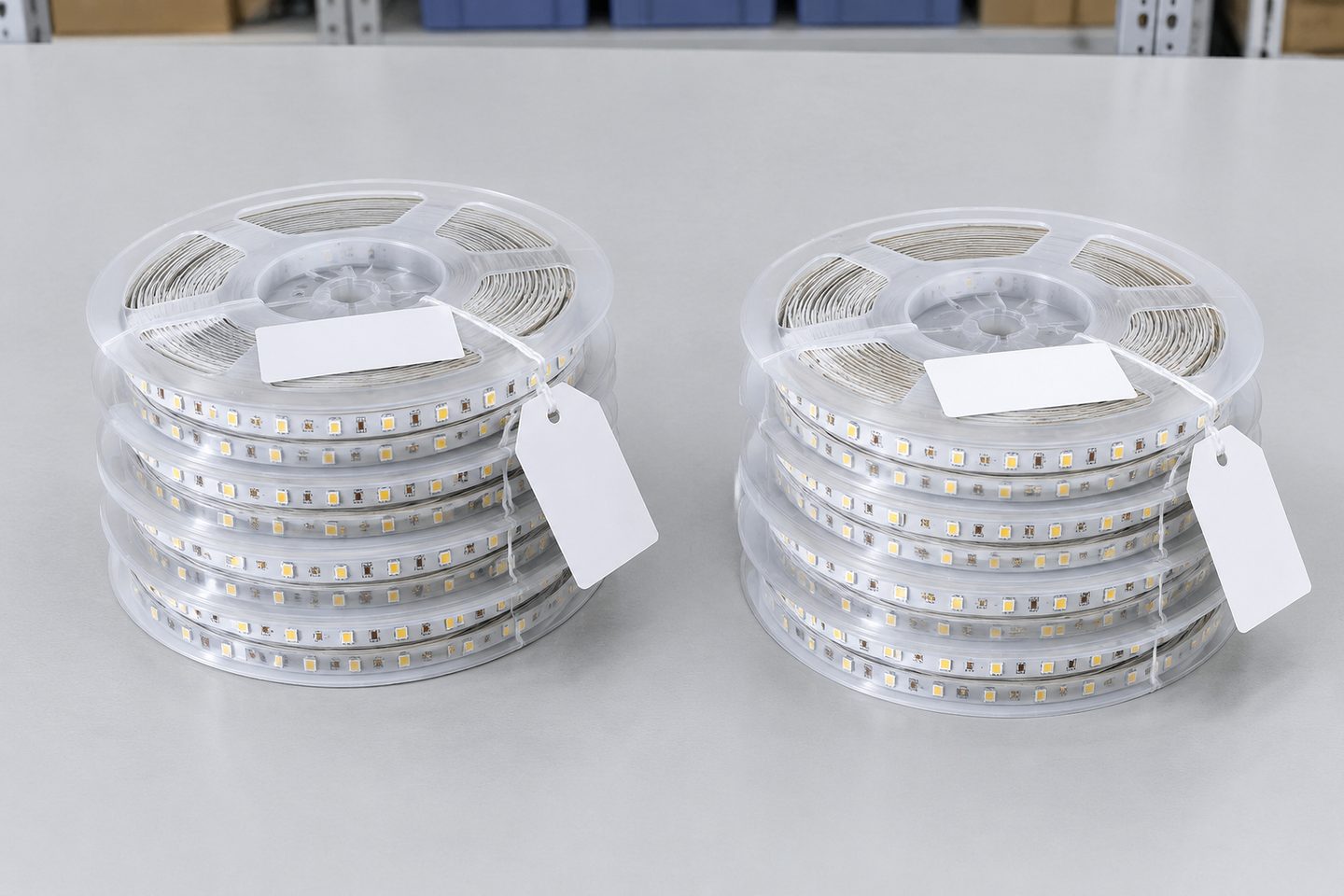
Batch consistency problems are usually discovered on site, after reels from different lots have already been installed side by side. Lot identification makes the problem traceable before installation.
Ask for, and record, for each reel or package:
- reel or package label with model, color option and voltage;
- production lot, batch or date code where provided;
- quantity per reel and number of reels in the shipment;
- which reels were taken from the same lot;
- which reels were used for the comparison and for the retained sample.
Keep reels from one lot together during storage and installation planning. Where a project needs a continuous run or adjacent fixtures, assign reels from the same lot to the same visible area. This is a planning control, not a performance claim: it reduces the chance that small lot-to-lot differences appear in one line of light.
If a shipment arrives without usable lot identification, record that fact and photograph the labels. Do not assign a lot identity yourself, and do not assume that reels packed together came from the same production run.
Use a controlled side-by-side comparison
A visual check is only useful when the setup is controlled. Two reels compared under different conditions can look different for reasons unrelated to the product.
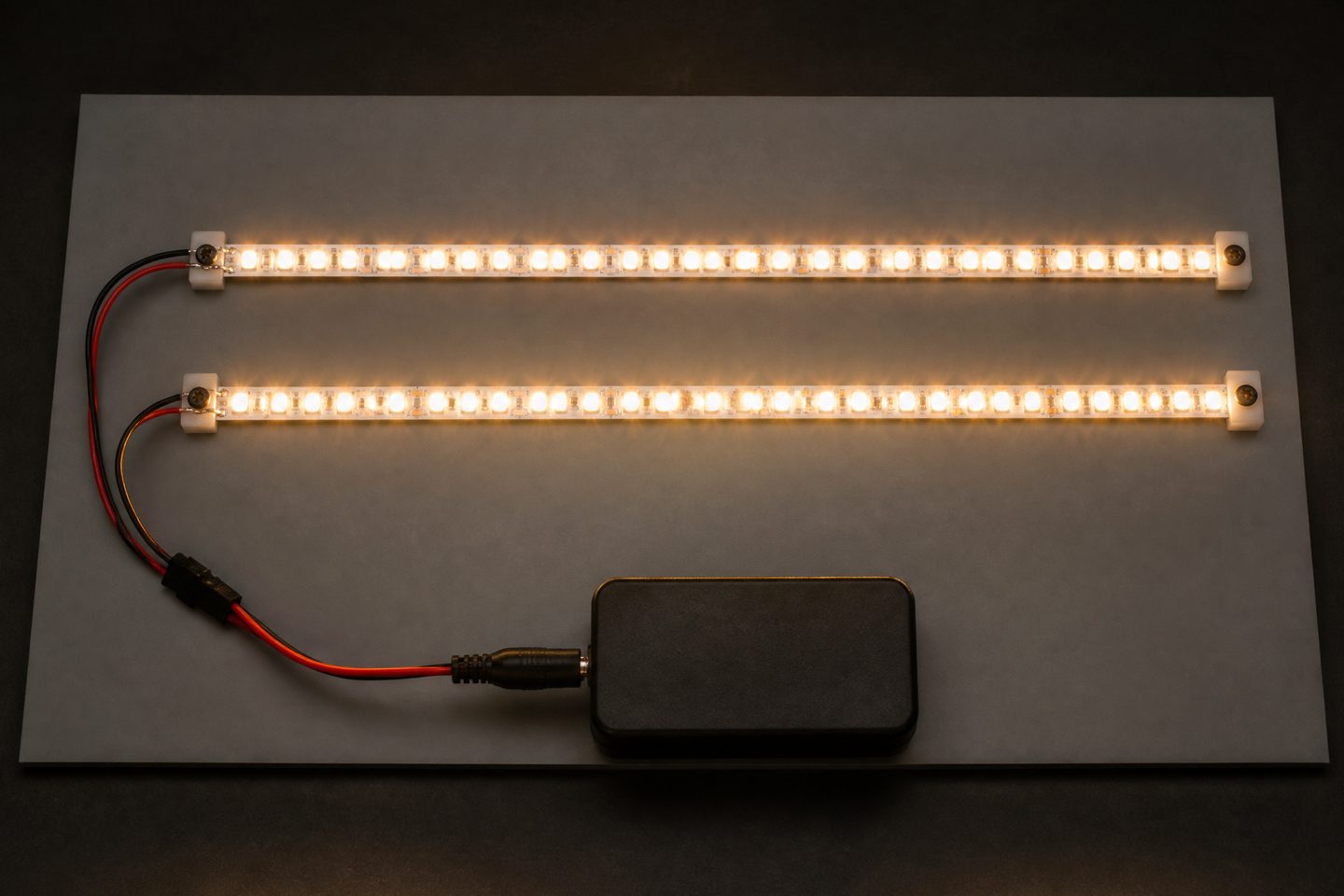
Set up the comparison as follows:
- Use the same power supply or identical supplies at the same output voltage.
- Run both pieces for the same warm-up period before judging.
- Place them side by side at the same distance from the viewing position.
- Use the same diffuser and profile that the project will use, or compare bare strips on the same neutral surface.
- Keep ambient light constant and avoid mixed daylight.
- Compare the new reel against the retained approved sample, not only against another new reel.
- Photograph the setup with fixed camera white balance, and treat the photo as a record of the setup, not as a color measurement.
Where a numeric limit has been agreed, a visual check is not enough. Ask how chromaticity was measured, with which instrument category, at which drive condition and on which sample size, and request the measurement record for the shipped lot.
| Comparison setup item | Control |
|---|---|
| Power | Same voltage at the strip input |
| Warm-up | Same duration for every piece |
| Optics | Same diffuser and profile, or none for all |
| Background | Same neutral surface |
| Viewing | Same distance and angle |
| Reference | Retained approved sample |
| Record | Fixed-white-balance photo plus written result |
Record the approval and keep a retained sample
The approval record is what makes the next reorder checkable. Without it, the next batch can only be compared against memory.
An approval record should state:
- approved model, options and specification revision;
- lot or batch identity of the approved sample;
- the color target and limit that were agreed, or “visual match to retained sample” if none;
- comparison conditions used;
- result: approved, approved with notes, or rejected;
- who approved, and on what date;
- where the retained sample is stored.
Store a short length of the approved strip with its label, away from heat and light, and mark it “color reference — do not install”. Send the same reference description to the supplier so that both sides compare future lots against one agreed reference.
The approval covers only what was compared. It does not automatically approve a later component change, a different color temperature, another density or a new diffuser. Any of these returns the product to the first step.
What ULANTU does on each order
ULANTU runs an aging (burn-in) test and color temperature sampling on every order before shipment. Stock orders ship in 2–3 days, and stock samples ship in 2–3 days with the sample shipping cost paid by ULANTU, so a buyer can approve a reference sample before committing to volume. For custom color requirements, the target and the comparison method are confirmed together with the requirement before production, and custom production takes 15–20 days after confirmation.
These checks support the buyer’s own record. They do not replace the color target, lot identification and approval record described above.
Batch color consistency checklist
| Step | Done | Record reference |
|---|---|---|
| Model, options and revision frozen | ||
| Color target and limit written down | ||
| Retained approved sample identified | ||
| Lot identity recorded for every reel | ||
| Same-lot reels assigned to the same visible area | ||
| Controlled side-by-side comparison completed | ||
| Measurement record requested, where a numeric limit applies | ||
| Approval result signed and dated | ||
| Retained sample stored and labeled |
FAQ
Does the same color temperature guarantee that two LED strip reels will match?
No. A nominal color temperature such as 3000K names the intended white point. Two reels with the same nominal value can still sit at different points around it, and the difference becomes visible when they are installed next to each other. Matching depends on the agreed color consistency limit, the reference sample and the lot identity of each reel.
What is a MacAdam step or SDCM?
It is a way of expressing how far a measured color sits from a center point on the chromaticity diagram. A smaller number of steps means a tighter grouping. The value is only meaningful together with the declared center point, the measurement method and the product it applies to.
What should I do if a new batch looks different from the approved sample?
Stop installation of the new reels in visible areas, repeat the comparison under the controlled setup, record the lot identities involved and send the supplier the comparison record together with the retained sample reference. Do not mix the two lots in one continuous run while the question is open.
How long should I keep a retained sample?
Keep it for as long as you expect to reorder or service the installed product. Store it away from heat and light, labeled with the model, lot and approval date.
When the target and the reference are ready, Request a Reviewable Batch Sample.
Bring the comparison into a project brief.
Share the documented requirements and unresolved questions. An inquiry begins review; it does not confirm engineering approval, compatibility, stock, price, lead time, compliance or an order.
Prepare a project brief