How to Read an LED Strip Datasheet: Voltage, Watts/m, Lumens/m, Density and Cut Length
Read the model and document revision first, then compare electrical, optical and mechanical fields under matching test conditions before shortlisting a strip or requesting missing data.
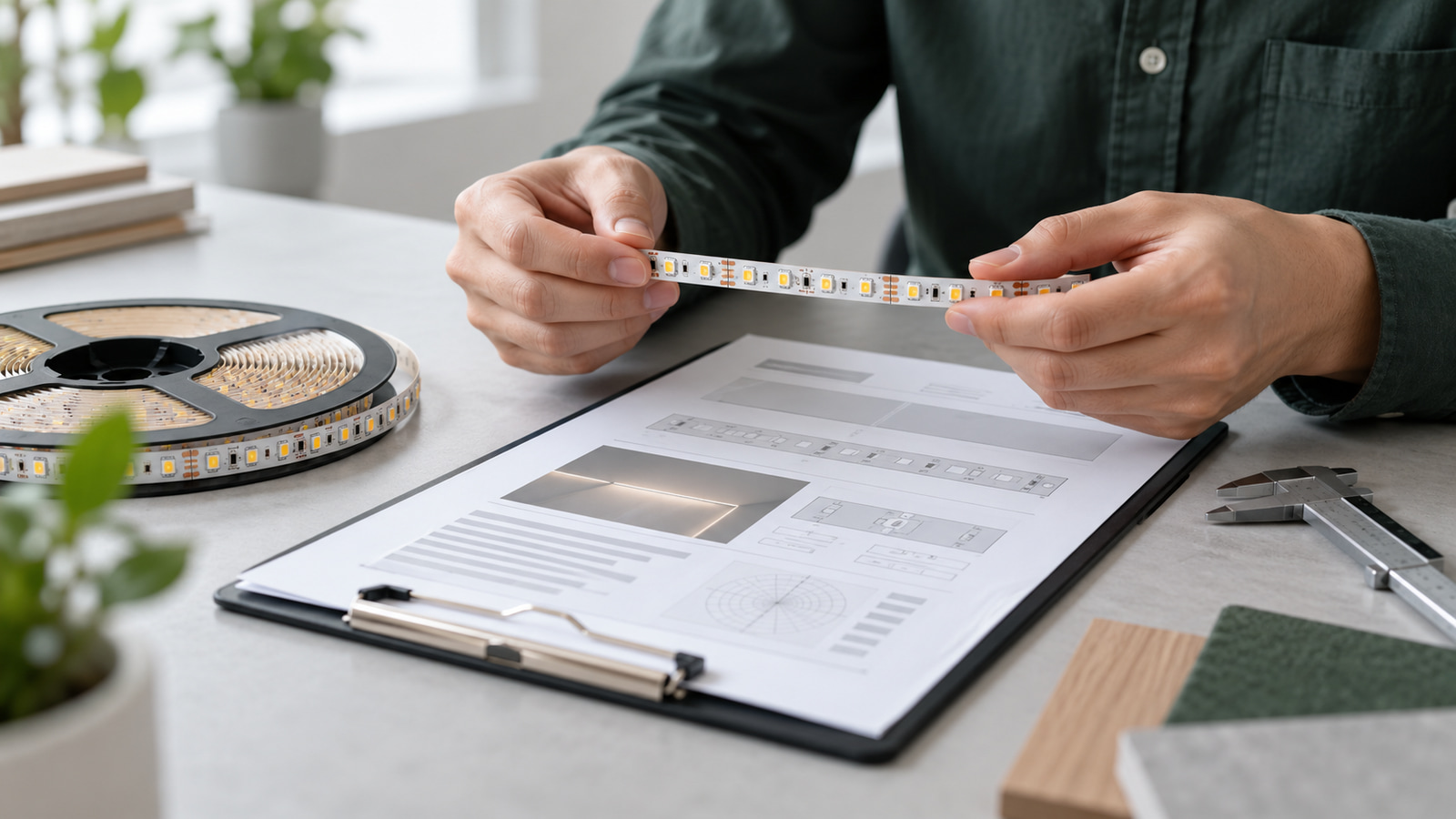
Read an LED strip datasheet in this order: exact model and revision, voltage and electrical load, light output and color conditions, physical dimensions and cut interval, then test conditions and operating limits. Compare two products only when the units, length basis and test conditions match; a missing field is a question for the supplier, not permission to infer a value.
That sequence is a practical answer to how to read an LED strip datasheet and an important part of how to choose LED strip lights. Use the LED strip resources for wider selection support; use the method below to decide whether one model's document is complete enough for a technical shortlist.
Confirm the document, model and configuration first
Before comparing numbers, prove that the document applies to the product you are considering.
| Identity field | What to check |
|---|---|
| Manufacturer or brand | Matches the quoted source |
| Product ID and exact SKU | Matches the selected configuration, not only a family |
| Document title and type | Technical datasheet rather than a marketing image or family overview |
| Revision and date | Current version for the quotation or sample |
| Applicable length or format | Same reel, set or module basis being purchased |
| LED package or light structure | Same construction as the candidate |
| Light color or control function | Same CCT, color or channel configuration |
| Protection construction | Same uncoated, coated, sleeved or encapsulated version |
| Included accessories | Same lead, connector, plug or controller where relevant |
| Page and revision markings | Complete document rather than an isolated screenshot |
If the model or configuration does not match, stop the comparison. A family page, product photograph or similar product name cannot substitute for an exact model document. Our certificates and technical-document review explains how to keep document type and model scope separate.
Read voltage, watts per metre and current together
Voltage states the required electrical supply condition. LED strip watts per meter (W/m) states electrical load per metre under the declared conditions. It is not a brightness measurement.
Use documented W/m to calculate installed strip load:
Total strip power = W/m × installed metres
For a simple DC teaching example, the relationship is P = V × I, so I = P ÷ V. OpenStax presents this standard electric-power relationship (Electric Power and Energy).
Example, using hypothetical values only: a strip documented as 9.6 W/m at 24V and installed over 5 m has a nominal strip load of:
9.6 W/m × 5 m = 48 W
Under the simplified DC relationship, the corresponding current is:
48 W ÷ 24 V = 2 A
This is a teaching calculation, not ULANTU product test data and not a complete driver or cable design. The final system still needs the actual datasheet, branch arrangement, controller load, voltage-drop review, driver instructions and project conditions. Use LED drivers and the power-supply sizing and voltage-drop guide after the model's electrical fields are known.
If W/m is absent, request it. Do not estimate it from the number of LEDs per metre. Do not apply a universal reserve percentage, maximum feed length or conductor size without the real equipment and route.
Interpret lumens per metre, CCT and CRI under stated conditions
LED strip lumens per meter (lm/m) expresses luminous flux per metre under the stated test conditions. It is not the project's total lumens, illuminance on a work surface or final installed appearance. The US Department of Energy distinguishes light output, color appearance and color rendering as separate lighting characteristics (LED Basics).
Compare lm/m only when these fields align:
| Optical field | Why it matters |
|---|---|
| lm/m | Declared luminous flux per metre |
| Test length | Confirms the basis of the measurement |
| Input voltage and power | Shows the electrical condition at measurement |
| CCT | Identifies the white-light appearance being measured |
| CRI and any stated method | Describes color-rendering information under the declared method |
| Ambient or board temperature | Can affect output and comparability |
| Diffuser, profile or optical accessory | May change measured or delivered light |
| Measurement method and tolerance | Defines how the value was produced and its permitted range |
Do not compare a bare-strip laboratory value with an installed luminaire result as though they are the same. If a datasheet lists lm/m without test voltage, CCT, temperature or tolerance, request the missing conditions before using the value for approval.
The ULANTU example used later in this article does not have an approved public lm/m value. That absence remains a document request; density must not be used to manufacture a replacement number.
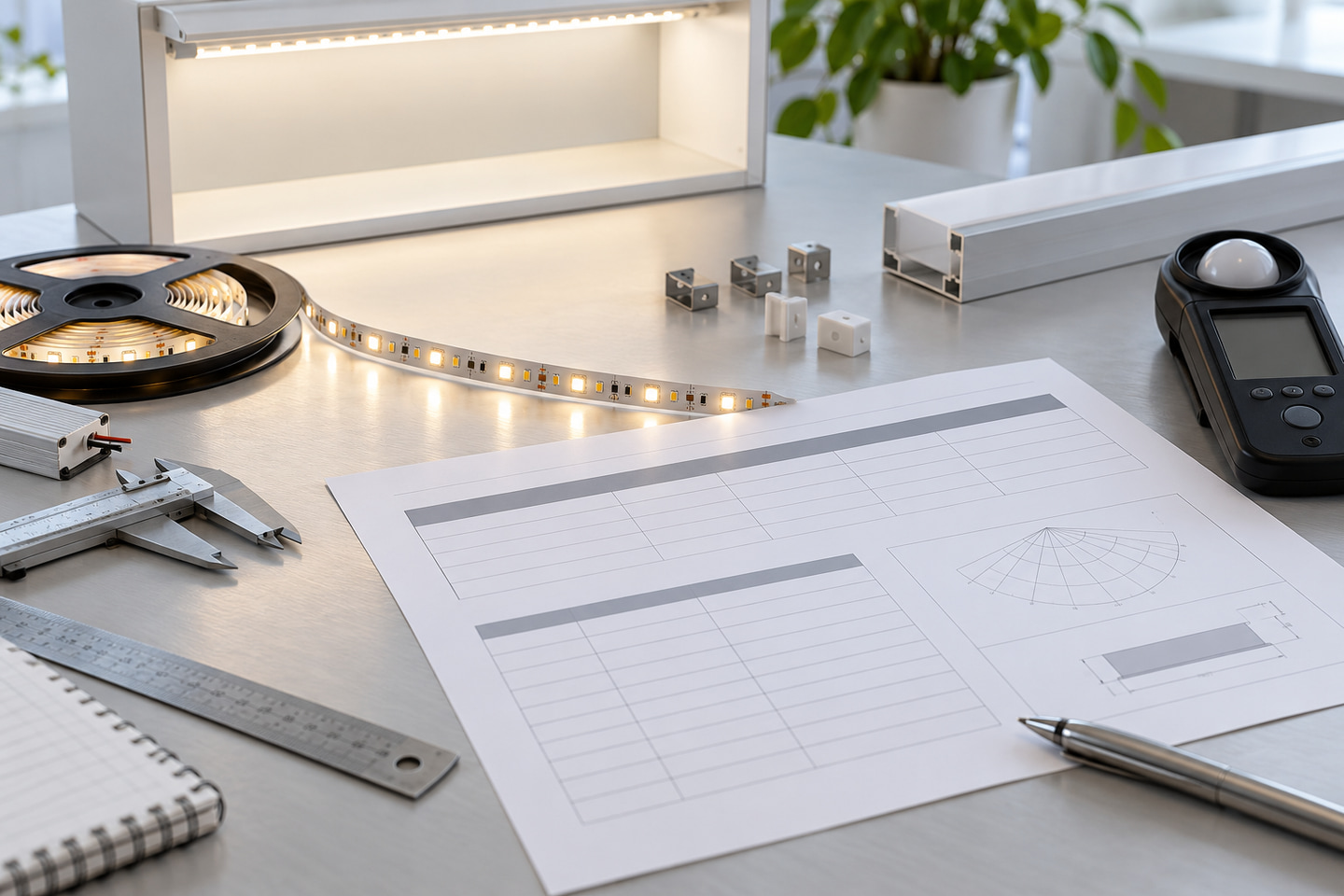
Read LED density as construction, not a brightness score
LED density describes how many LED packages are arranged per metre. It helps describe physical spacing, but it does not independently prove brightness, efficiency, power, quality or a dot-free appearance.
| Density can help describe | Density cannot prove by itself |
|---|---|
| Package spacing | Lumens per metre |
| Potential visual pitch | Watts per metre |
| PCB population | Efficiency |
| A starting point for diffuser review | Uniformity in every profile |
| Connector and cut-pattern context | Product lifetime or quality |
Evaluate density together with LED package, board width, luminous-face geometry, profile depth, diffuser transmission, surface reflectance and viewing distance. A higher number of LEDs/m can change spacing, but the final visual result still depends on the complete optical and installation geometry.
Check width, cut length, reel length and connection limits
Mechanical fields determine whether the strip fits, can be divided into the required sections and can be connected as planned.
| Mechanical field | Purchasing question |
|---|---|
| PCB or finished width and height | Will it fit the channel, recess, clips and connector? |
| Cut length or cut interval | Can the planned section lengths end on permitted cut marks? |
| Reel or supplied length | How will ordered material be divided and handled? |
| Lead and connector arrangement | Does it fit the route and service space? |
| Bend direction and minimum radius | Can the planned corners be made without unsupported bending? |
| Protection construction | How does coating, sleeve or encapsulation change dimensions and ends? |
| Maximum run or feed condition | Is it documented for this exact configuration and load condition? |
Cut length is a permitted segmentation boundary, not permission to cut anywhere. Reel length is a supply format, not proof that the whole reel can be powered safely from one end.
For example, ULT-41936054 includes 12V, 8 mm, 2835 configurations with 120 LEDs/m and a listed 2.5 cm cut interval. V0001, V0002 and V0005 represent different combinations of color temperature, CRI and PCB/copper construction. Those fields must be read as a configuration set. The current public product record does not provide W/m or lm/m, so neither value should be inferred from its 120 LEDs/m density.
You can browse current LED strip products to identify a candidate, but request the exact SKU datasheet before approving dimensions, cut planning or electrical load.
Compare test conditions and document revisions
Put candidate documents side by side only after normalizing the comparison basis.
| Comparison field | Candidate A | Candidate B |
|---|---|---|
| Exact model/SKU | ||
| Datasheet revision/date | ||
| Units and length basis | ||
| Input voltage and power condition | ||
| Test length | ||
| Ambient/board temperature | ||
| CCT and CRI condition | ||
| Optical accessory or bare strip | ||
| Tolerance | ||
| Test method or laboratory, if stated |
A marketing graphic may help identify a product, but it does not override a technical datasheet. A photograph cannot establish electrical load or luminous output. An older datasheet should not be applied to a newer configuration unless the supplier confirms the model and revision scope.
If a field is absent, write “information requested” in the procurement record rather than inserting a guessed value.
Use a purchasing review sequence before approval
Follow this sequence for every shortlisted strip:
- Confirm identity: match product ID, SKU, configuration and datasheet revision.
- Lock electrical fields: record voltage, W/m, current basis and any operating limits.
- Review optical fields: compare lm/m, CCT, CRI and their stated test conditions.
- Review mechanical fields: check width, height, cut interval, reel format, connection and protection construction.
- Compare conditions: normalize units, length basis, temperature, accessories, tolerances and methods.
- Close differences: use model-specific documents and a representative sample to resolve material gaps before approval.
Use this copyable review table:
| Review item | Required document value | Quoted value | Sample check | Status/action |
|---|---|---|---|---|
| Product ID and SKU | Label match | |||
| Revision/date | Document match | |||
| Voltage | Supply-label match | |||
| W/m and condition | Defined test if needed | |||
| lm/m and condition | Defined optical review if needed | |||
| CCT and CRI | Compare under one viewing condition | |||
| LED density and board width | Physical sample match | |||
| Cut interval | Marked cut-point match | |||
| Protection and connection | End/joint construction review | |||
| Operating/test limits | Project-condition review |

Send the exact product ID/SKU, project use, destination, current document and revision, missing fields, comparison candidates, quantity and required file type through Request a Model-Specific Datasheet.
Bring the comparison into a project brief.
Share the documented requirements and unresolved questions. An inquiry begins review; it does not confirm engineering approval, compatibility, stock, price, lead time, compliance or an order.
Prepare a project brief