Commercial LED Strip Maintenance and Spare-Parts Planning
Record the installed product identity, map which components are field-replaceable, preserve physical access, and build a spares list prioritized by operational impact.
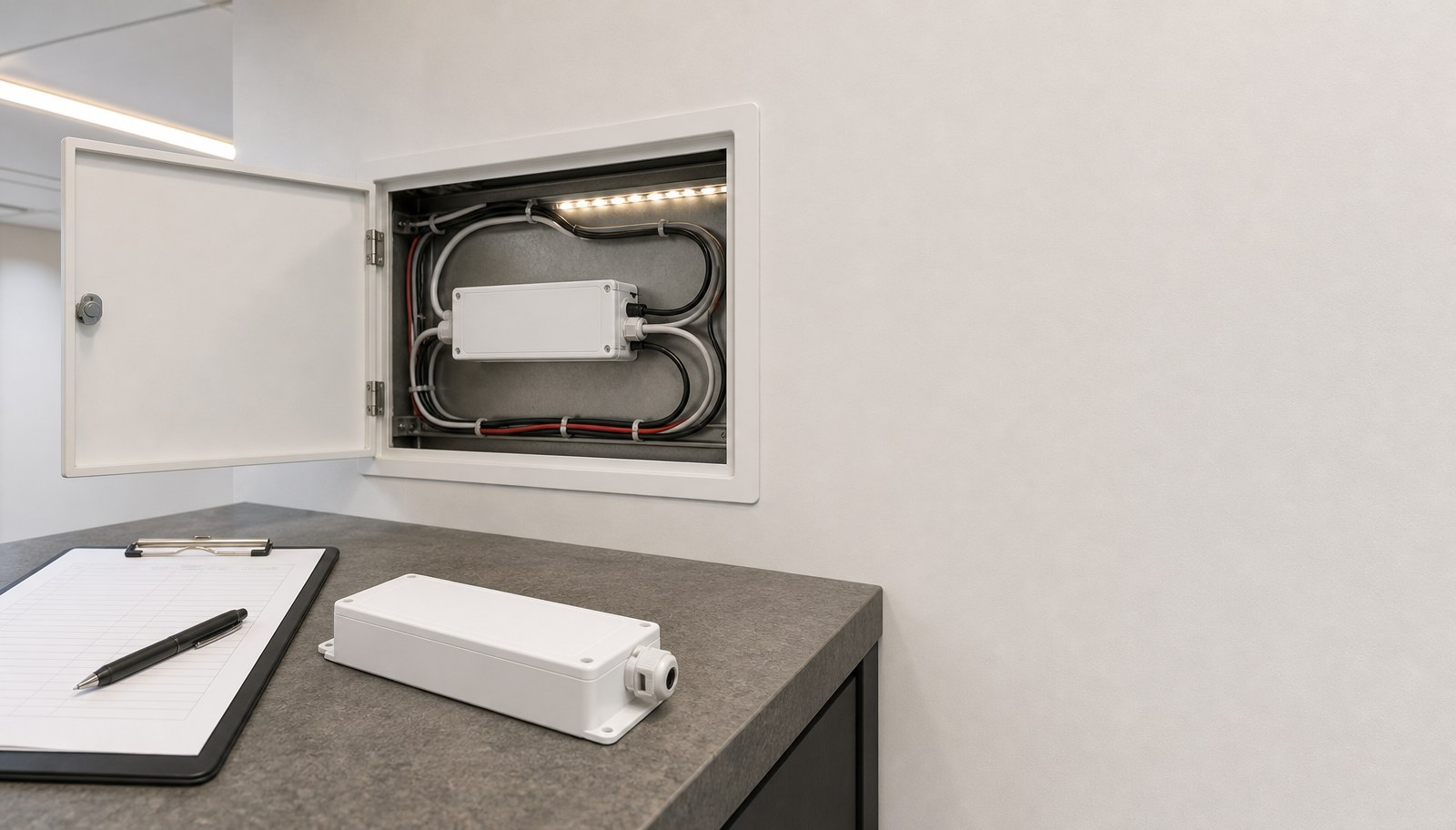
Commercial LED strip maintenance planning is a recordkeeping and access task completed before anything fails, not a response plan written after a failure report. It records the installed product's identity, maps which components are actually replaceable, preserves physical access to them, defines a spares list by criticality, and keeps the records updated as the installation changes over time.
This guide is for contractors, facility teams and project buyers responsible for an installed commercial LED strip system after handover. For documenting the system at the point of handover, see the LED strip project handover checklist; this article covers ongoing maintenance planning afterward. Review ULANTU's warranty and support information and the resources hub for related guides. This is a maintenance-planning method and does not state a lifetime, warranty duration or failure rate for any product.
Record installed identity
Start from an accurate record of exactly what is installed, carried forward from the handover documentation if available.
Record for each installed run or zone:
- exact model and configuration of the installed strip, driver and controller;
- installation date and the batch or lot reference if captured at handover;
- physical location and extent of each run or zone;
- any customization (connector type, cable length, label) specific to that installation.
A maintenance plan built from a general product description rather than the exact installed identity risks ordering an incompatible replacement part when a spare is eventually needed.
Map replaceable parts
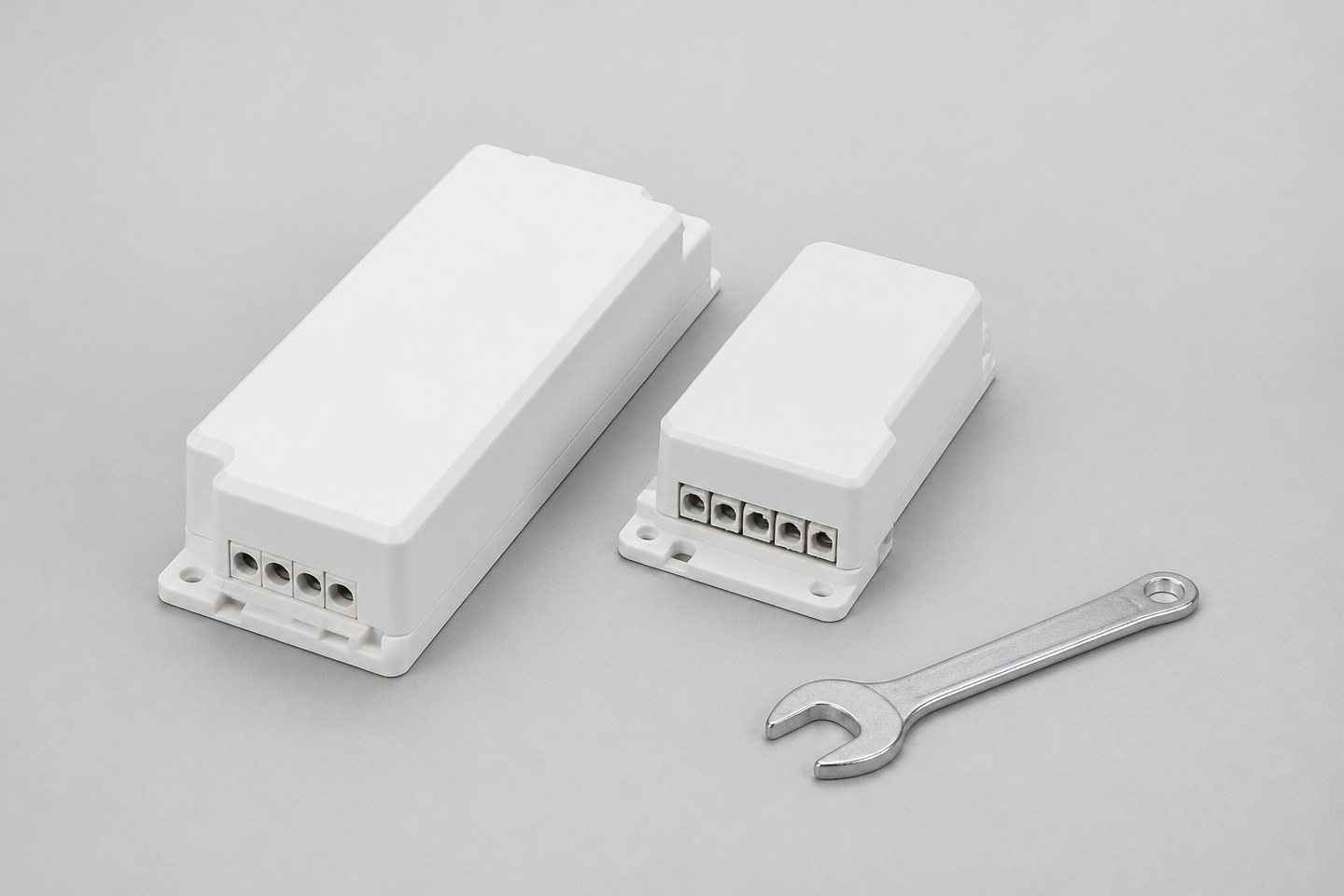
Identify which components in the installation can realistically be replaced in the field, and which require a complete section replacement.
| Component | Typically field-replaceable | What to confirm |
|---|---|---|
| Driver / power supply | Often yes, if accessible and a matching spec is stocked | Exact output voltage, capacity and connector match to the installed strip |
| Controller | Often yes, if the control interface and protocol are confirmed | Exact interface/protocol match to the installed driver and strip |
| Connector | Often yes, for the specific connector type used | Exact width, pad geometry and pin configuration match |
| Strip section | Depends on the installation method — some runs can have a short section replaced, others require the full run | Confirm with the original installer or supplier whether partial replacement is feasible for the specific installation |
Do not assume every component is field-replaceable without confirming it against the actual installation method used. A strip embedded in a sealed profile may require a different replacement approach than one mounted in an accessible channel.
Preserve access
Confirm that physical access to each identified replaceable component remains available, and document it so future maintenance staff do not need to rediscover it.
- Mark the physical location and access method (removable cover, accessible void, visible connector) for each driver, controller and connector.
- Avoid any later renovation, refit or finish work that would permanently seal a previously accessible point without updating the maintenance record.
- If access has already been lost to a prior renovation, record that limitation so future repair planning accounts for it rather than assuming access exists.
A maintenance plan is only useful if the access it describes is still physically true at the time it is needed.
Define spares by criticality
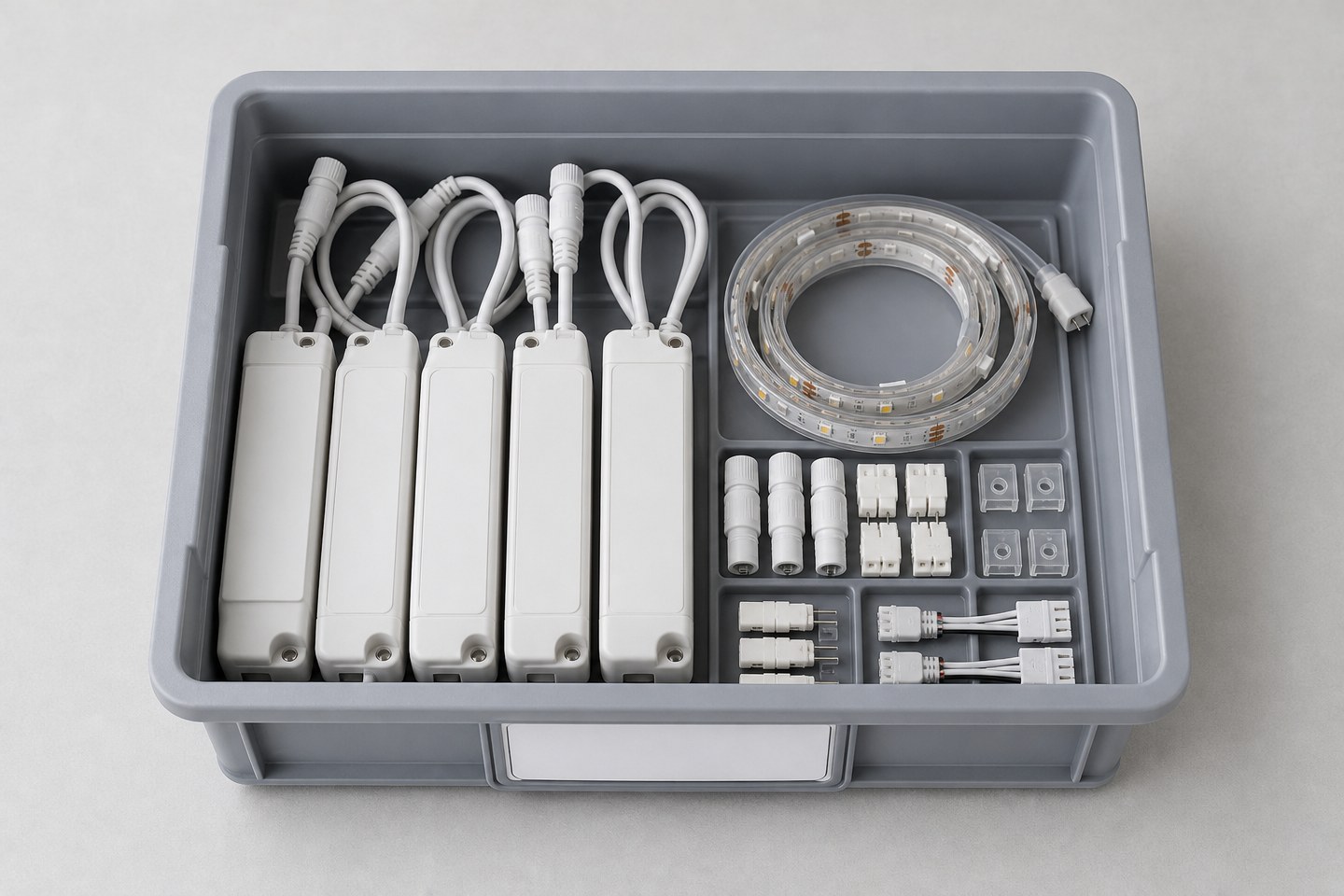
Build a spares list prioritized by the operational impact of each component's failure, not by what is simplest to stock.
- Critical: Components whose failure stops the installation's primary function (main driver for a large zone, a controller with no local override). Stock these as standing spares where the installation's operational importance justifies it.
- Important: Components whose failure degrades but does not stop function (a single connector in a multi-feed run). Consider stocking at lower quantity or confirming current lead time for replacement.
- Minor: Components whose failure has limited impact and can reasonably wait for a scheduled maintenance visit.
Confirm current availability and lead time for each spares-list item with the supplier, since stocking decisions depend on how quickly a replacement can actually be obtained if not held on hand.
Maintain change records
Keep the maintenance record updated whenever the installation changes, so it does not go stale.
- Log every replacement performed, including the exact replacement part's identity and the date.
- Log any configuration change (different driver, different controller) and update the installed-identity record accordingly.
- Review the spares list periodically against actual replacement history, adjusting criticality if a component has turned out to fail more or less often than initially planned.
A maintenance record that is not updated after each service event drifts away from what is actually installed, which undermines its usefulness for the next repair.
Replace vague requests with evaluable requirements
| Vague request | Why it causes rework | More evaluable wording |
|---|---|---|
| "Keep some spares on hand." | No defined criticality or quantity basis | Build a spares list prioritized by operational impact, confirmed against lead time |
| "The driver's in there somewhere." | Access and location undocumented | Record exact location and access method for every replaceable component |
| "Replace it with something similar." | Risks an incompatible replacement | Confirm exact match to the installed identity record before ordering a replacement |
| "We'll figure it out if it breaks." | No proactive record exists | Build the installed-identity, access and spares records before a failure occurs |
Assign an internal owner
A maintenance plan built from the steps above still depends on one named role being responsible for keeping it current, since a record no one explicitly owns tends to be forgotten after the installer who created it moves to a different project.
- Assign the installed-identity record, access map and spares list to one internal role — typically a facility manager or a designated maintenance contractor — rather than leaving it with whoever happened to perform the original installation.
- Require that owner to update the record after every service event, and to review the spares list against actual replacement history at a set interval.
- Store the record somewhere the next maintenance team can find it without depending on the original installer's availability, especially for installations with a service life measured in years rather than months.
- If responsibility for the installation changes hands (a new facility contract, a change of maintenance provider), hand over the maintenance record explicitly as part of that transition, rather than letting it lapse.
Without a named owner, even a complete installed-identity record, access map and spares list risks becoming unusable precisely when a replacement part is needed urgently and no one can locate the documentation.
When the installed identity, replaceable-parts map, spares criticality list and record ownership are documented, Request Document Review. Include the installed product identity, the specific components under review, and the maintenance or spares question. The inquiry begins a document and compatibility review for the stated installation; exact replacement part availability and lead time are confirmed in that review, not by this guide.
Bring the comparison into a project brief.
Share the documented requirements and unresolved questions. An inquiry begins review; it does not confirm engineering approval, compatibility, stock, price, lead time, compliance or an order.
Prepare a project brief